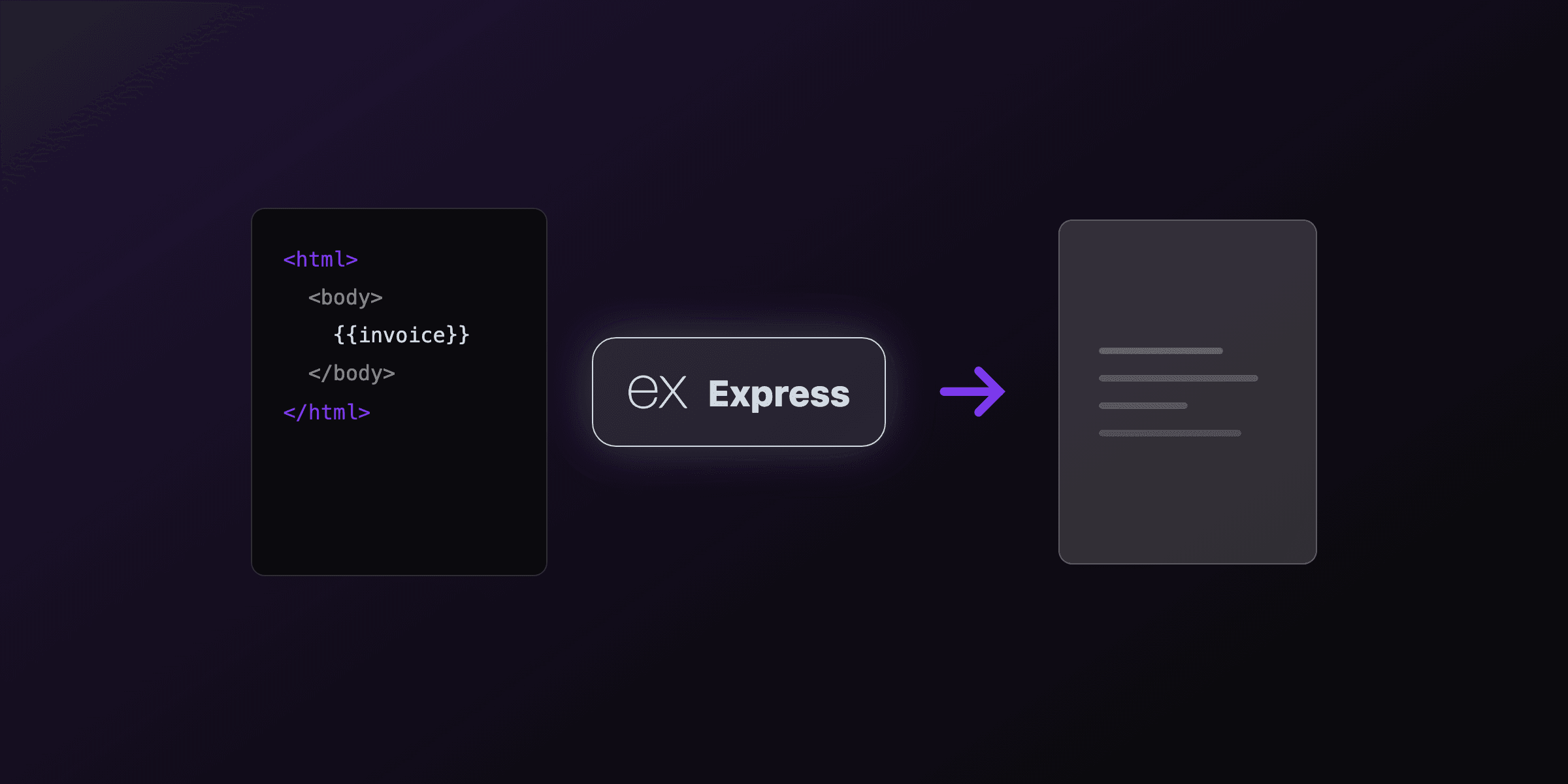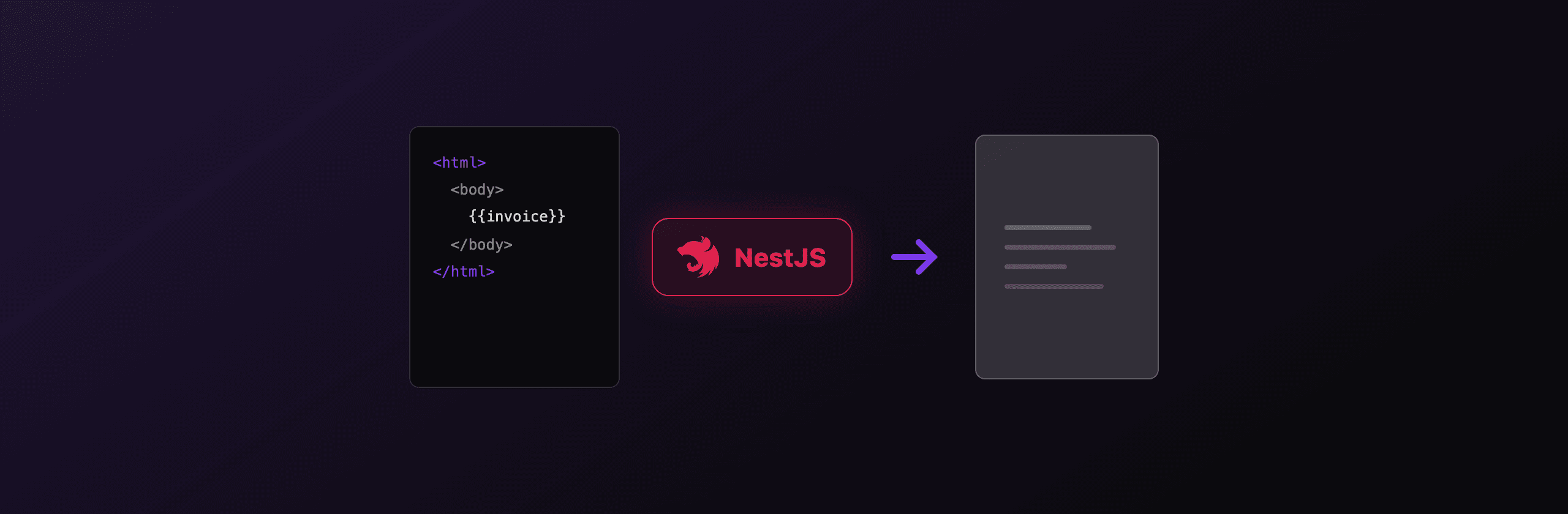
Generating PDFs in NestJS comes down to three working approaches: render HTML with a headless Chromium browser (Playwright or Puppeteer) inside an injectable service, draw documents directly with pdfkit, or call a hosted API like PDF4.dev so no browser lives in your container. For invoices, reports, and anything styled with CSS, the headless Chromium path gives the highest fidelity. The NestJS-specific trick is to keep one warm browser in a provider rather than launching one per request.
This guide shows the full PdfService provider plus a controller that streams the result, the pdfkit alternative for drawn documents, and the hosted option when you want to ship a small image without Chromium system dependencies.
Which PDF approach should you use in NestJS?
The right choice depends on whether your document is HTML/CSS or drawn primitives, and whether you can run Chromium in your deployment target. The table compares the realistic options for a NestJS service.
| Approach | Output fidelity | Container size | Cold start | Best for |
|---|---|---|---|---|
| Playwright (warm pool) | High (full CSS, web fonts) | Large (~400 MB with Chromium) | ~300 ms first launch, then warm | Invoices, reports, branded documents |
| Puppeteer (warm pool) | High (full CSS, web fonts) | Large (~300 MB with Chromium) | ~300 ms first launch, then warm | Same as Playwright, lighter API |
| pdfkit | Low (you draw every line) | Tiny (~2 MB) | None | Labels, tickets, simple receipts |
| @react-pdf/renderer | Medium (flexbox subset, no full CSS) | Small (~5 MB) | None | React teams, structured layouts |
| PDF4.dev (hosted) | High (Chromium server-side) | Tiny (HTTP client only) | None on your side | Serverless, small images, no Chromium ops |
The decision is mostly binary. If your document is already HTML and CSS, use a Chromium engine or a hosted Chromium API. If it is geometric (a shipping label, a badge), draw it with pdfkit and skip the browser entirely.
NestJS works the same on the Express adapter (default) and the Fastify adapter for all of these. The only adapter-sensitive part is how you set response headers, covered in the controller section below.
How do you render HTML to PDF with Playwright in NestJS?
Wrap Playwright in an injectable provider that launches one browser in onModuleInit and closes it in onModuleDestroy. This warm pool turns the per-request cost from roughly 300 ms (launching a browser) down to the time it takes to open a page, set content, and call page.pdf(), which is typically 80 to 300 ms with a warm browser.
The lifecycle hooks are the NestJS-native way to own a long-lived resource. The dependency injection container calls onModuleInit once at startup and onModuleDestroy on graceful shutdown, so the browser is shared across every request the service handles.
First install the packages:
npm install playwright handlebars
npx playwright install chromium
Now the service. It launches Chromium once, compiles a Handlebars template per request, and returns a Buffer:
// pdf.service.ts
import {
  Injectable,
  OnModuleInit,
  OnModuleDestroy,
  Logger,
} from "@nestjs/common";
import { chromium, type Browser } from "playwright";
import Handlebars from "handlebars";

@Injectable()
export class PdfService implements OnModuleInit, OnModuleDestroy {
  private browser: Browser;
  private readonly logger = new Logger(PdfService.name);

  async onModuleInit() {
    // Launch one Chromium for the whole app lifetime.
    this.browser = await chromium.launch({
      args: ["--no-sandbox", "--disable-dev-shm-usage"],
    });
    this.logger.log("Chromium ready");
  }

  async onModuleDestroy() {
    await this.browser?.close();
  }

  async renderHtml(html: string, data: Record<string, unknown> = {}) {
    const compiled = Handlebars.compile(html)(data);
    const page = await this.browser.newPage();
    try {
      await page.setContent(compiled, { waitUntil: "networkidle" });
      return await page.pdf({
        format: "A4",
        printBackground: true,
        margin: { top: "20mm", bottom: "20mm", left: "15mm", right: "15mm" },
      });
    } finally {
      // Close the page, keep the browser warm.
      await page.close();
    }
  }
}
Always page.close() in a finally block. A leaked page keeps a renderer process alive, and under load that exhausts memory and eventually crashes the browser. Never close the browser per request, only the page.
The --disable-dev-shm-usage flag matters inside Docker: the default /dev/shm is 64 MB and Chromium will crash on larger pages without it. Register the service in your module's providers array so Nest can inject it.
How do you return a PDF from a NestJS controller?
Two patterns work: return a StreamableFile (idiomatic, adapter-agnostic) or take @Res() and call res.send(buffer) directly. Set Content-Type to application/pdf and a Content-Disposition header so the browser downloads with a filename. StreamableFile is the recommended default because it works on both Express and Fastify and keeps NestJS interceptors in the response path.
// invoice.controller.ts
import {
  Controller,
  Get,
  Param,
  StreamableFile,
  Header,
} from "@nestjs/common";
import { PdfService } from "./pdf.service";

const TEMPLATE = `
  <h1>Invoice {{number}}</h1>
  <p>Billed to {{client}}</p>
  <p>Total: {{total}}</p>
`;

@Controller("invoices")
export class InvoiceController {
  constructor(private readonly pdf: PdfService) {}

  @Get(":id/pdf")
  @Header("Content-Type", "application/pdf")
  @Header("Content-Disposition", 'attachment; filename="invoice.pdf"')
  async download(@Param("id") id: string): Promise<StreamableFile> {
    const buffer = await this.pdf.renderHtml(TEMPLATE, {
      number: id,
      client: "Acme Corp",
      total: "$1,500.00",
    });
    return new StreamableFile(buffer);
  }
}
The @Res() version opts you out of the NestJS response pipeline: interceptors and the global serializer no longer touch the response, and you must call res.send() yourself. Choose it only when you need raw control over the response object. For everything else, StreamableFile is cleaner and portable across adapters.
When should you use Puppeteer instead of Playwright in NestJS?
Use Puppeteer when you want a smaller dependency and a Chrome-only target, or when an existing codebase already uses it. The NestJS pattern is identical: a provider with onModuleInit and onModuleDestroy holding one warm browser. The API differs only in method names (puppeteer.launch(), browser.newPage(), page.pdf()).
Puppeteer and Playwright both drive Chromium and produce visually identical PDFs for the same HTML. Playwright bundles a few extra browser engines and has a slightly broader API; Puppeteer is leaner if you only target Chrome.
// pdf.service.ts (Puppeteer variant)
import { Injectable, OnModuleInit, OnModuleDestroy } from "@nestjs/common";
import puppeteer, { type Browser } from "puppeteer";

@Injectable()
export class PdfService implements OnModuleInit, OnModuleDestroy {
  private browser: Browser;

  async onModuleInit() {
    this.browser = await puppeteer.launch({
      headless: true,
      args: ["--no-sandbox", "--disable-dev-shm-usage"],
    });
  }

  async onModuleDestroy() {
    await this.browser?.close();
  }

  async renderHtml(html: string): Promise<Uint8Array> {
    const page = await this.browser.newPage();
    try {
      await page.setContent(html, { waitUntil: "networkidle0" });
      return await page.pdf({ format: "A4", printBackground: true });
    } finally {
      await page.close();
    }
  }
}
Bundling Chromium on AWS Lambda or other serverless targets breaks with the standard puppeteer package: the binary is too large and misses shared libraries. Use puppeteer-core plus @sparticuz/chromium, set executablePath to its binary, pass its args, and give the function at least 1024 MB of memory. Below that, renders time out.
For a deeper comparison of the two engines and a plain Node.js version of this code, see generate PDFs from HTML in Node.js.
How do you draw a PDF with pdfkit in NestJS (no browser)?
Use pdfkit when your document is drawn primitives (text, lines, shapes) rather than HTML, and you want a tiny image with zero Chromium. pdfkit adds about 2 MB to your bundle and has no native dependencies, so it runs anywhere Node.js runs, including small Lambda functions.
pdfkit writes to a stream. In a service, collect the chunks into a single Buffer you can hand to the controller. There is no warm pool to manage because there is no browser.
// pdfkit.service.ts
import { Injectable } from "@nestjs/common";
import PDFDocument from "pdfkit";

@Injectable()
export class PdfkitService {
  async buildReceipt(amount: string): Promise<Buffer> {
    const doc = new PDFDocument({ size: "A4", margin: 50 });
    const chunks: Buffer[] = [];

    doc.on("data", (chunk) => chunks.push(chunk));

    doc.fontSize(24).text("Receipt", { align: "center" });
    doc.moveDown();
    doc.fontSize(12).text(`Amount paid: ${amount}`);
    doc.text(`Date: ${new Date().toISOString().slice(0, 10)}`);
    doc.end();

    return new Promise((resolve) => {
      doc.on("end", () => resolve(Buffer.concat(chunks)));
    });
  }
}
The cost of pdfkit is layout work. There is no CSS, no flexbox, no automatic text wrapping around images. You position every element by coordinate. For a one-page receipt or a shipping label that is fine. For a multi-page invoice with tables and branding, the HTML approach is far less code. React teams sometimes prefer @react-pdf/renderer instead, which gives a flexbox subset and JSX components, but it is still not full CSS.
How do you generate PDFs in NestJS without managing Chromium?
Call a hosted HTML-to-PDF API from NestJS using the built-in HttpModule (an axios wrapper). PDF4.dev renders your HTML with headless Chromium server-side, so your container ships only an HTTP client and your Docker image stays small. This removes Chromium from your build, your memory budget, and your serverless cold-start math entirely.
This is the option to reach for when you deploy to Lambda, Cloud Run, or any environment where bundling and patching Chromium is a recurring chore, but you still need full CSS and web-font fidelity that pdfkit cannot give you.
The raw HTTP call is a single POST. The delivery: "url" mode returns a signed link instead of a base64 blob, which keeps large PDFs out of your response payload:
curl -X POST https://pdf4.dev/api/v1/render \
  -H "Authorization: Bearer p4_live_xxx" \
  -H "Content-Type: application/json" \
  -d '{
    "html": "<h1>Invoice {{number}}</h1><p>Total: {{total}}</p>",
    "data": { "number": "INV-001", "total": "$1,500.00" },
    "delivery": "url"
  }'
Register HttpModule in your module imports, inject PdfApiService, and return the URL or proxy the bytes from your controller. Handlebars {{variables}} are compiled server-side, so the same template pattern from the Playwright section works without you running a browser. You can also store reusable templates and call them by template_id instead of sending raw HTML each time.
Want to test the output before wiring code? Paste HTML into the free Html To PdfTry it free tool, or convert a live URL with Webpage To PdfTry it free. Both use the same Chromium engine as the API.
Which option should you choose?
Match the approach to your document type and deployment constraints. There is no single winner; the right pick depends on whether you can run Chromium and whether your content is HTML or drawn.
| Your situation | Recommended approach |
|---|---|
| Invoices, reports, branded HTML, and you control the container | Playwright or Puppeteer warm pool in a PdfService |
| Same documents but deploying to Lambda or a tiny image | PDF4.dev hosted API via HttpModule |
| Shipping labels, tickets, simple receipts (drawn) | pdfkit service, no browser |
| A React-heavy team wanting JSX templates | @react-pdf/renderer |
| You never want to patch Chromium dependencies again | PDF4.dev hosted API |
A practical default for most NestJS teams: start with the Playwright warm-pool PdfService because it is full CSS and lives in your own infra. Switch to the hosted PDF4.dev API the moment Chromium becomes an operational tax (serverless cold starts, image bloat, security patching of system libraries). Keep pdfkit in your toolbox only for the small drawn documents where HTML would be overkill.
Whichever path you take, the NestJS shape stays the same: a single injectable provider owns rendering, controllers stay thin and return a StreamableFile, and the browser (if any) lives for the whole app lifetime rather than per request. That separation keeps your handlers fast and your rendering logic testable.
For the Express-framework version of these patterns, see PDF generation in Express. For the Next.js route-handler version, see PDF generation in Next.js.
Free tools mentioned:
Frequently asked questions
- What is the best way to generate PDFs in NestJS?
- For PDFs from HTML and CSS, render with a headless Chromium browser (Playwright or Puppeteer) wrapped in an injectable PdfService that holds a single warm browser. For simple drawn documents like labels, pdfkit is lighter. If you do not want Chromium in your container, call a hosted API like PDF4.dev over HttpModule.
- How do I return a PDF file from a NestJS controller?
- Set the response Content-Type to application/pdf and send the buffer. Use either @Res() with res.set() plus res.send(buffer), or return a StreamableFile and set headers with @Header(). StreamableFile keeps your handler framework-agnostic and works with Express and Fastify adapters.
- Should I launch Puppeteer on every request in NestJS?
- No. Launching a browser per request adds roughly 300 to 800 ms of cold start each time. Launch one browser in the PdfService onModuleInit lifecycle hook, reuse it across requests by opening and closing pages, and close it in onModuleDestroy.
- Why does Puppeteer or Playwright fail on AWS Lambda with NestJS?
- The default Chromium download is too large and misses shared libraries available on Lambda. Use @sparticuz/chromium with puppeteer-core, point executablePath at its binary, and pass its recommended args. Memory under 1024 MB often causes timeouts during rendering.
- Can I generate a PDF in NestJS without installing Chromium?
- Yes. Use @react-pdf/renderer or pdfkit to draw PDFs in pure Node.js with no browser, or call a hosted HTML-to-PDF API such as PDF4.dev through the NestJS HttpModule. Both keep your Docker image small and avoid Chromium system dependencies.
- How do I generate an invoice PDF from a Handlebars template in NestJS?
- Compile an HTML template with Handlebars, inject your data, then render it to PDF with Playwright page.setContent() and page.pdf(). Or send the template id and data to PDF4.dev, which compiles Handlebars and renders with Chromium server-side.
- StreamableFile vs res.send for PDF downloads in NestJS?
- StreamableFile is the idiomatic NestJS approach: it works across Express and Fastify, plays well with interceptors, and streams without buffering the whole file in some cases. res.send(buffer) with @Res() is simpler but opts you out of NestJS response handling. Use StreamableFile unless you need raw response control.
Start generating PDFs
Build PDF templates with a visual editor. Render them via API from any language in ~300ms.