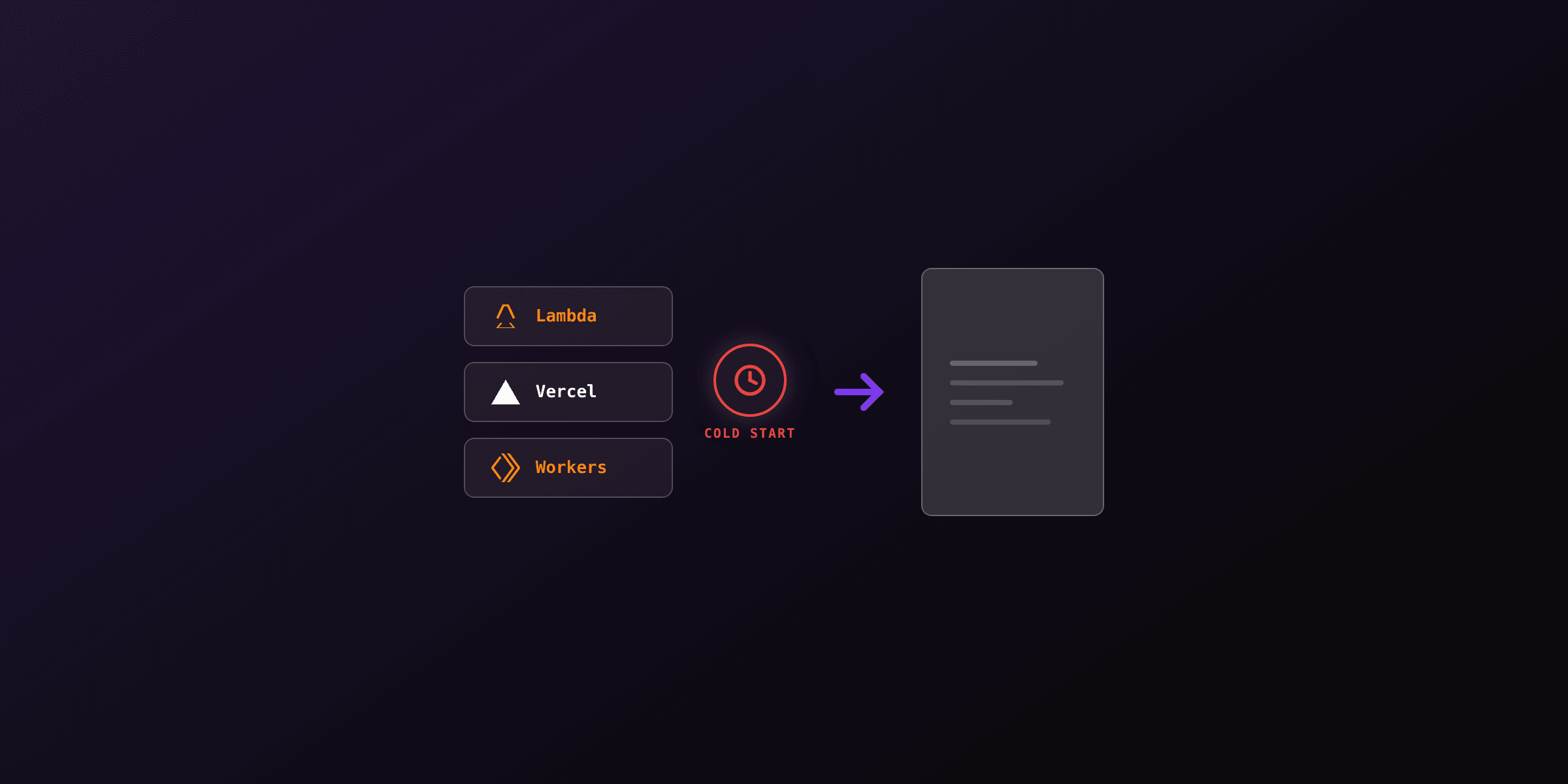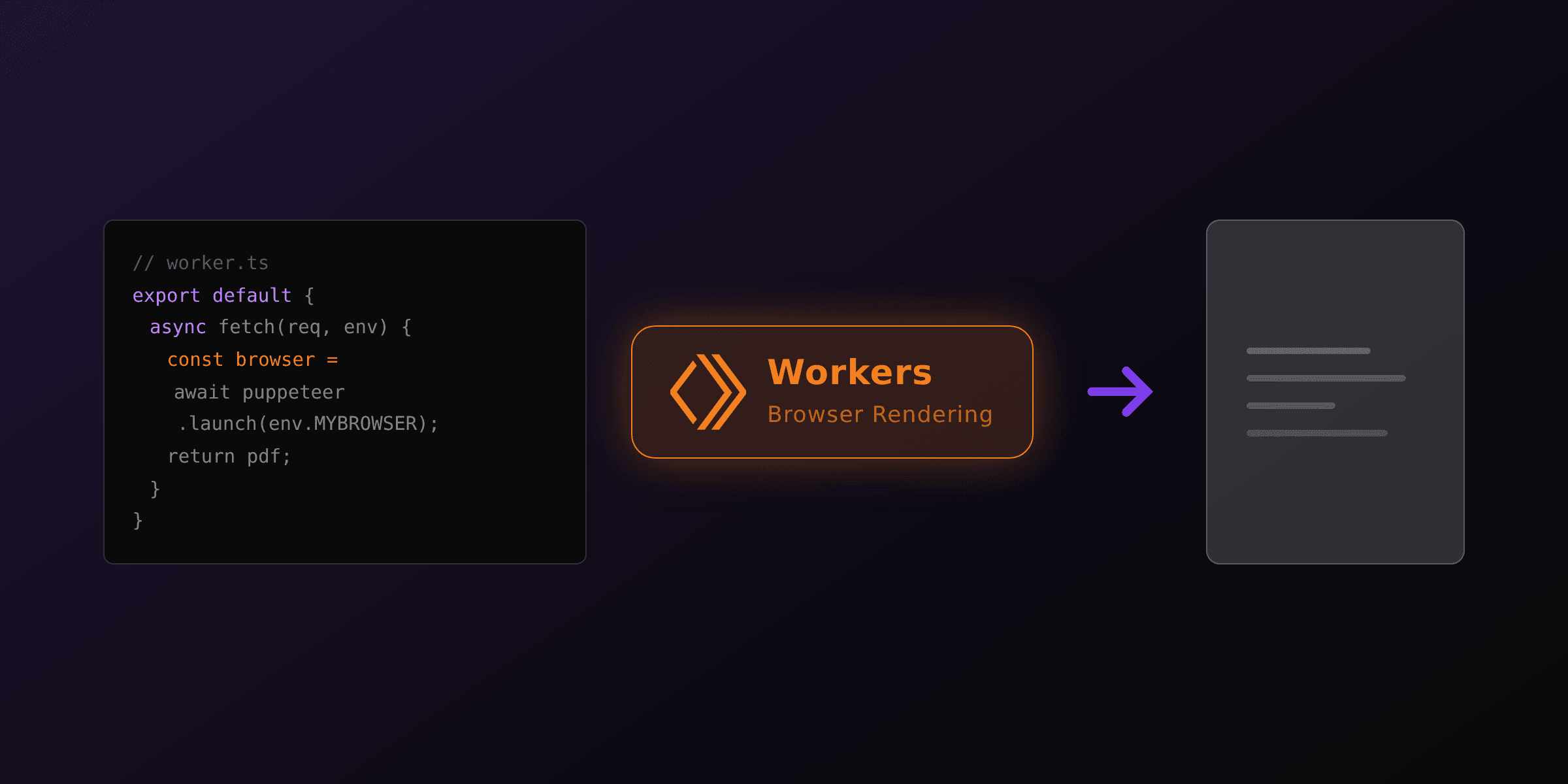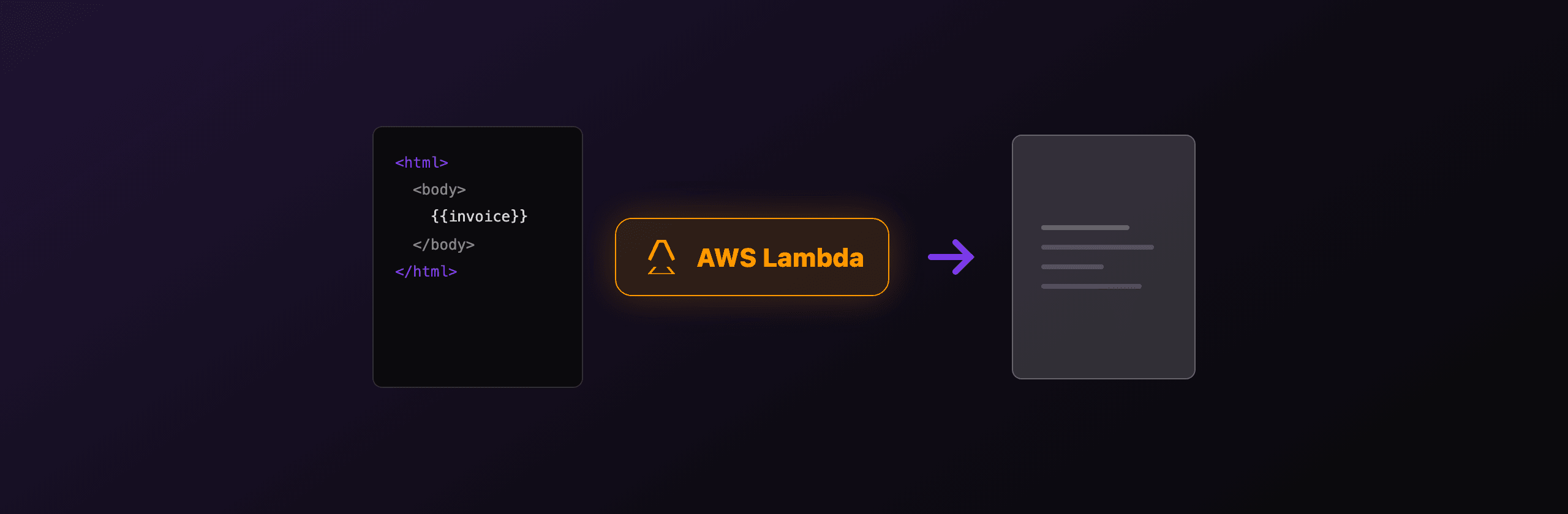
Generating PDFs on AWS Lambda works, but only if you stop using the normal puppeteer package. The bundled Chromium it downloads (roughly 280 MB to 350 MB) blows past Lambda's 250 MB unzipped deployment limit on its own. The working path is puppeteer-core or playwright-core plus @sparticuz/chromium, a stripped Chromium binary built for Lambda. If you would rather skip Chromium entirely, call a hosted API like PDF4.dev from the Lambda so the function stays a few kilobytes and cold-starts at normal Node.js speed.
This guide covers both: the self-hosted Chromium setup with its real size, memory, and cold-start costs, and the no-infrastructure alternative.
Which approach fits Lambda?
The choice comes down to how much Chromium you are willing to ship and maintain inside the function. Here is the tradeoff across the three viable patterns.
| Approach | Package size | Cold start (browser) | Memory needed | Maintenance |
|---|---|---|---|---|
puppeteer-core + @sparticuz/chromium | ~50 MB layer | +1 to 3s | 1536 MB or more | You patch Chromium versions |
playwright-core + @sparticuz/chromium | ~50 MB layer | +1 to 3s | 1536 MB or more | You patch Chromium versions |
| Hosted API (PDF4.dev) from Lambda | a few KB | normal Node.js init | 256 MB to 512 MB | None, API is managed |
The first two are functionally the same; pick whichever browser-automation API your team already knows. The third moves the heavy work off Lambda so the function only sends an HTTPS request.
The full puppeteer npm package bundles a Chromium download. The full playwright package downloads browser binaries on install too. On Lambda you always want the -core variant, which contains the automation API with no browser, then supply the browser separately.
Why does the normal puppeteer package fail on Lambda?
AWS Lambda caps a zipped-and-uploaded deployment package at 50 MB and the unzipped contents at 250 MB (the quota that actually bites here). A standard puppeteer install pulls a full Chromium build of roughly 280 MB to 350 MB, so the unzipped package exceeds 250 MB before you add a single line of your own code. The deploy is rejected.
@sparticuz/chromium solves this by shipping a minimal Chromium compiled for Lambda's Amazon Linux runtime, Brotli-compressed down to around 50 MB. At cold start its executablePath() helper decompresses the binary into /tmp and returns the path so puppeteer-core or playwright-core can launch it. The package also exports the exact launch args Lambda's sandbox requires (no GPU, single process, disabled /dev/shm usage).
It is the maintained successor to chrome-aws-lambda, which stopped tracking new Chromium releases. If you are still on chrome-aws-lambda, migrating to @sparticuz/chromium is the fix for "Chromium revision not found" and security-patch staleness.
How do I render a PDF with Puppeteer on Lambda?
Install puppeteer-core and @sparticuz/chromium, launch the browser with the package's args and executablePath(), set your HTML, then call page.pdf(). Below is a complete Node.js handler for a Lambda using the Node 20 runtime.
// handler.mjs
import chromium from "@sparticuz/chromium";
import puppeteer from "puppeteer-core";

export const handler = async (event) => {
  const html = event.html ?? "<h1>Hello from Lambda</h1>";

  const browser = await puppeteer.launch({
    args: chromium.args,
    defaultViewport: chromium.defaultViewport,
    executablePath: await chromium.executablePath(),
    headless: chromium.headless,
  });

  try {
    const page = await browser.newPage();
    await page.setContent(html, { waitUntil: "networkidle0" });

    const pdf = await page.pdf({
      format: "A4",
      printBackground: true,
      margin: { top: "20mm", bottom: "20mm", left: "15mm", right: "15mm" },
    });

    return {
      statusCode: 200,
      headers: { "Content-Type": "application/pdf" },
      isBase64Encoded: true,
      body: Buffer.from(pdf).toString("base64"),
    };
  } finally {
    await browser.close();
  }
};
Always browser.close() in a finally block. A warm Lambda container is reused across invocations, and a leaked browser process eats memory until the next cold start kills it.
How should I package Chromium: layer or container?
Use a Lambda layer to keep the 50 MB Chromium binary out of your function zip, or a container image if your total dependencies push past 250 MB unzipped. Both work; the layer is lighter, the container removes the size ceiling.
Lambda layer. Publish @sparticuz/chromium (or the prebuilt binary it documents) as a layer, attach it to the function, and keep your handler code small. Your function zip stays well under the limits because the bulky binary lives in the layer's /opt mount. This is the most common production setup.
Container image. Package everything into a Docker image based on the AWS Lambda Node base image. Container images allow up to 10 GB, so the 250 MB unzipped limit no longer applies. Choose this if you bundle fonts, other native modules, or want a single reproducible build artifact.
@sparticuz/chromium ships a specific Chromium version. Your puppeteer-core or playwright-core version must be compatible with that Chromium build. Mismatches surface as protocol errors at launch. Check the package's compatibility table before upgrading either side.
What memory, timeout, and /tmp settings does it need?
Allocate at least 1536 MB of memory, a timeout of 30 seconds or more, and enough /tmp for the decompressed binary plus Chromium's profile. Chromium is memory- and CPU-hungry, and Lambda ties CPU allocation to the memory you configure.
- Memory: 1536 MB minimum, 2048 MB recommended. Below 1536 MB, multi-page renders run out of memory or run slowly because Lambda gives less CPU. More memory means more CPU, so a render that takes 4 seconds at 1024 MB can drop under 2 seconds at 2048 MB.
- Timeout: 30 to 60 seconds. A cold start adds 1 to 3 seconds for Chromium launch on top of normal init. Pages that fetch remote assets or fonts need headroom. The Lambda hard maximum is 15 minutes, but a PDF render that needs minutes signals a different problem.
- /tmp: size for the binary plus profile.
@sparticuz/chromiumdecompresses to/tmp(default 512 MB). Chromium also writes its user-data directory there. For large documents or many fonts, raise the ephemeral storage (configurable up to 10 GB).
Reuse the browser across warm invocations to skip the launch cost. Declare the browser outside the handler and lazily launch it once, then reuse it. Just guard against the container being reaped between calls and re-launch if the connection is dead.
What are the real pain points to plan for?
The Chromium-on-Lambda path works in production, but four costs are easy to underestimate: package size, cold start, the maintenance treadmill, and the AWS request/response cap.
- Package size. Even with
@sparticuz/chromiumat ~50 MB, you are close to the unzipped limit once fonts and other dependencies join. One extra native module can push you over and force a move to container images. - Cold start. The 1 to 3 second browser launch hits every cold container. Under bursty traffic, a fraction of requests pay it. Provisioned concurrency removes the cold start but adds standing cost.
- Maintenance. You own Chromium version pinning, security patches, and the
puppeteer-core/playwright-corecompatibility matrix. Each upgrade is a coordinated change you test yourself. - The 6 MB response limit. A Lambda invoked synchronously (for example behind API Gateway) caps its response payload at 6 MB. A base64-encoded PDF inflates by about 33 percent, so a 4.5 MB PDF can exceed the limit. For larger files, write the PDF to S3 and return a presigned URL instead of the bytes.
How do I generate PDFs without bundling Chromium?
Call a hosted HTML-to-PDF API from inside the Lambda. The function makes one HTTPS request, so the deployment package stays a few kilobytes, cold starts return to normal Node.js times, and there is no Chromium binary to patch. PDF4.dev renders your HTML with headless Chromium (Playwright) on its own servers and returns the PDF or a URL.
This keeps Lambda doing what it is good at, glue and orchestration, and moves the heavy browser process off the function. Your memory can drop to 256 MB to 512 MB because you are only doing JSON and HTTP.
Send raw HTML or reference a saved template by id. Use delivery: "url" to get back a download link instead of base64, which sidesteps the 6 MB Lambda response cap for large PDFs.
curl -X POST https://pdf4.dev/api/v1/render \
  -H "Authorization: Bearer p4_live_xxx" \
  -H "Content-Type: application/json" \
  -d '{
    "html": "<h1>Invoice {{number}}</h1><p>Total: {{total}}</p>",
    "data": { "number": "INV-001", "total": "$1,500.00" },
    "delivery": "url"
  }'
The Handlebars {{number}} and {{total}} tokens get filled from the data object server-side, so you can store a template once and pass only the row data per render. The same call works from any runtime, not just Node.js. Want to test the rendering quality first? Try the free Html To PdfTry it free or Webpage To PdfTry it free tools in the browser before wiring up the API.
Which option should you choose?
Pick based on volume, control needs, and how much infrastructure you want to own. There is no single right answer; the three patterns trade off differently.
| Scenario | Recommended approach |
|---|---|
| Occasional or low-volume PDFs, small team | Hosted API (PDF4.dev) from a tiny Lambda |
| Need pixel-perfect HTML/CSS fidelity, no infra to run | Hosted API (PDF4.dev) |
| High volume, must stay inside your AWS account for compliance | puppeteer-core + @sparticuz/chromium |
| Already deep in Playwright for browser tests | playwright-core + @sparticuz/chromium |
| Large files (over 6 MB) on synchronous Lambda | Hosted API with delivery: "url", or self-hosted writing to S3 |
Choose self-hosted Chromium when data residency rules require the rendering to happen inside your own AWS account, when volume is high enough that per-render API cost matters, and when you have the appetite to maintain the Chromium binary and its compatibility matrix.
Choose the hosted API when you want fast cold starts, a tiny deployment package, no Chromium to patch, and faithful HTML/CSS rendering without running a browser yourself. It is the no-infrastructure option, and for most teams shipping invoices, receipts, or reports from Lambda, it is the lowest-effort path that still produces accurate PDFs.
For a broader look across runtimes, see our guides on PDF generation in serverless environments and PDF generation on Cloudflare Workers, and the Node.js fundamentals in generate PDF from HTML in Node.js.
Free tools mentioned:
Frequently asked questions
- Why can't I use the normal puppeteer package on AWS Lambda?
- The full puppeteer package downloads a complete Chromium build of roughly 280 MB to 350 MB, which alone exceeds the 250 MB unzipped Lambda deployment limit. You install puppeteer-core (no bundled browser) and pair it with @sparticuz/chromium, which ships a stripped, Lambda-compatible Chromium binary that fits.
- What is @sparticuz/chromium and how is it different from chrome-aws-lambda?
- @sparticuz/chromium is the maintained successor to the now-unmaintained chrome-aws-lambda package. It provides a Brotli-compressed Chromium binary built to run inside Lambda's Amazon Linux environment, plus the launch args and an executablePath() helper that decompresses the binary to /tmp at cold start.
- How big is the cold start for Chromium on Lambda?
- Expect 1 to 3 seconds of added cold-start time on top of your normal init, mostly from decompressing the Chromium binary to /tmp and launching the browser process. Warm invocations that reuse the same container skip this and render in a few hundred milliseconds.
- How much memory does a Lambda need to render PDFs with Chromium?
- Set memory to at least 1536 MB, and 2048 MB is a safer default for multi-page documents. Lambda allocates CPU proportionally to memory, so more memory also shortens render time. Pair it with a timeout of 30 seconds or more.
- Can I avoid bundling Chromium in my Lambda at all?
- Yes. Call a hosted HTML-to-PDF API such as PDF4.dev from inside the Lambda. The function only makes an HTTPS request, so the deployment package stays a few kilobytes, cold starts drop back to normal Node.js times, and there is no Chromium binary to maintain or patch.
- Should I use a Lambda layer or a container image for Chromium?
- A Lambda layer keeps the @sparticuz/chromium binary separate from your code and stays under the 250 MB unzipped limit. A container image raises the limit to 10 GB and is the simpler path if your dependencies are large or you already use Docker for builds.
- Where does Chromium write temporary files on Lambda?
- Chromium uses the /tmp directory, which Lambda provides with a default of 512 MB (configurable up to 10 GB). @sparticuz/chromium decompresses its binary there, and Chromium writes its user-data profile there too, so size /tmp accordingly for large jobs.
Start generating PDFs
Build PDF templates with a visual editor. Render them via API from any language in ~300ms.