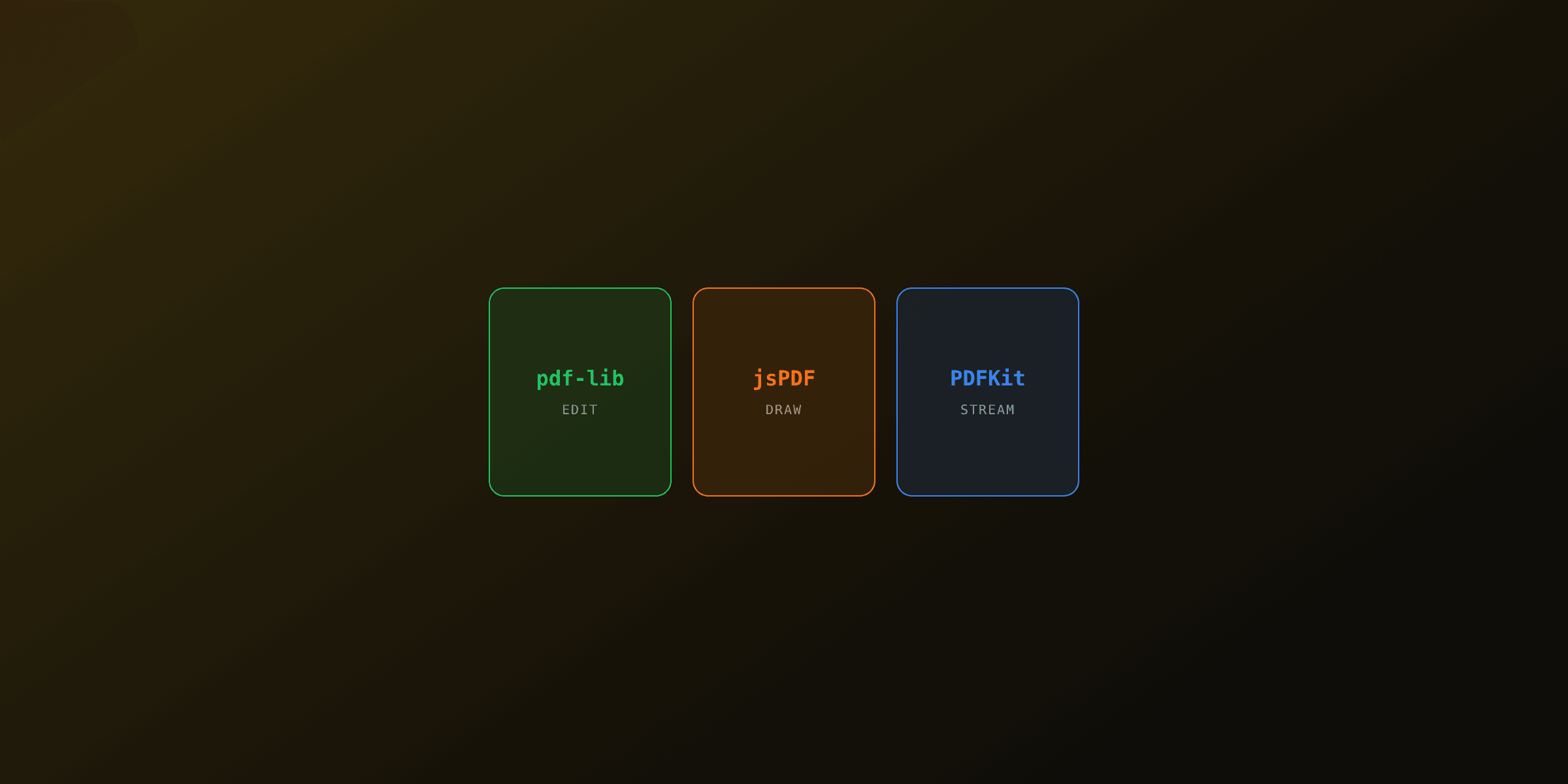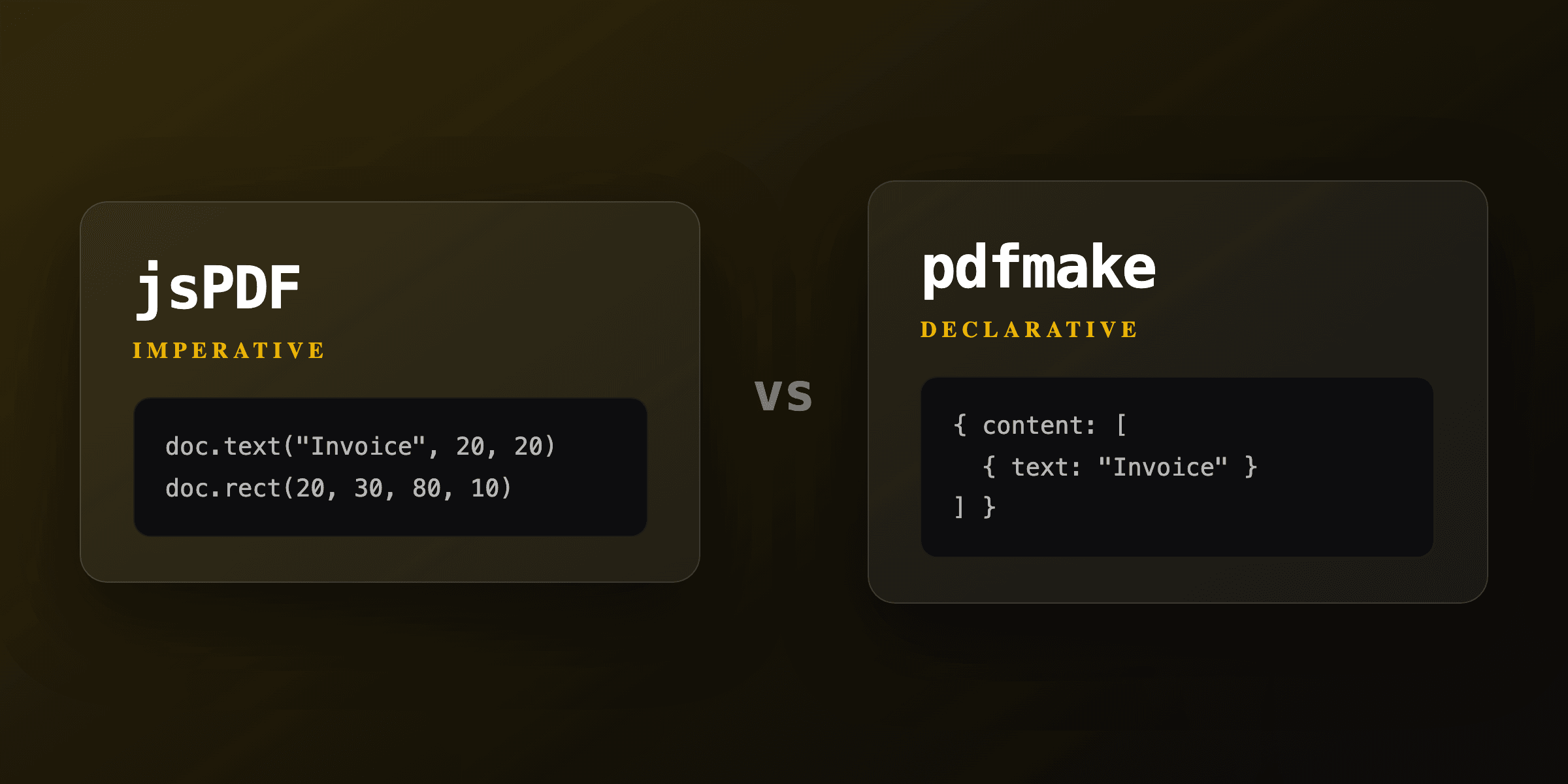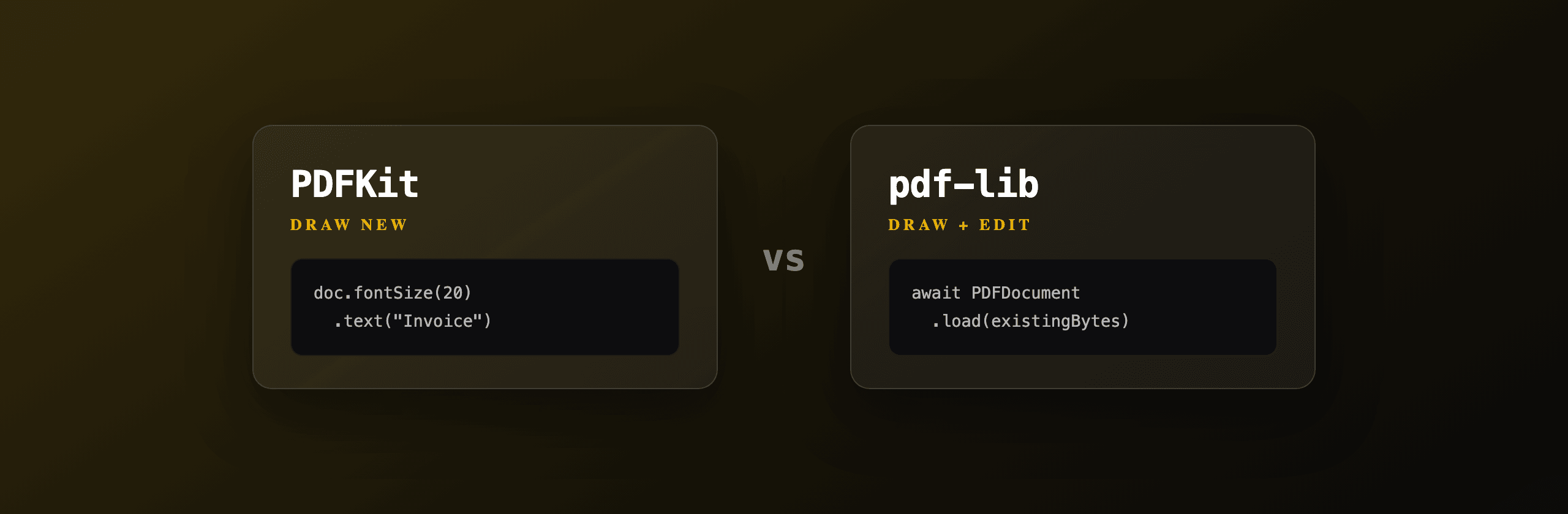
Choosing between PDFKit and pdf-lib in Node.js comes down to one question: are you building a new PDF or changing an existing one. PDFKit draws a fresh document to a writable stream and cannot open a file that already exists. pdf-lib creates new PDFs too, but its real edge is loading existing PDFs to merge, split, fill forms, and draw on them. Pick pdf-lib when you need to edit existing files, PDFKit when you stream large new documents from scratch, and a Chromium renderer like PDF4.dev when your layout is driven by HTML and CSS.
PDFKit vs pdf-lib at a glance
The table below maps the two libraries against the criteria that usually decide the choice. Both run with no headless browser and both are MIT licensed, so the split is about editing, streaming, and runtime.
| Criterion | PDFKit | pdf-lib |
|---|---|---|
| Create new PDF | Yes | Yes |
| Edit existing PDF | No | Yes (load, merge, split, draw) |
| Fill AcroForm fields | No | Yes |
| Output model | Streaming to a writable stream | In-memory Uint8Array |
| Memory for large docs | Lower (streams as it draws) | Higher (whole doc in memory) |
| Runtime | Node.js (browser via blob-stream) | Node.js, browser, Deno, React Native |
| Native dependencies | None | None |
| Font embedding | TTF, OTF, subsetting built in | TTF, OTF via the fontkit package |
| HTML/CSS input | No | No |
| License | MIT | MIT |
| First release | 2012 | 2019 |
The shortest version: if the input is an existing PDF, you almost always want pdf-lib. If the input is data and you draw every pixel yourself into a large or streamed document, PDFKit fits. Neither reads HTML, so design-heavy templates belong elsewhere.
When should you use PDFKit?
Use PDFKit when you build a new document from data and want to stream it out as you draw, especially for large or long-running output. PDFKit exposes an imperative API: you call doc.text(), doc.image(), doc.rect(), and doc.addPage(), and it pipes bytes to any writable stream (an HTTP response, a file, an S3 upload). Because it writes incrementally, peak memory stays low even for a thousand-page report.
PDFKit is a good fit for invoices, receipts, tickets, and reports where you control the layout in code and never need to reopen the result. It has no concept of loading an existing PDF, so merging or watermarking an existing file is out of scope.
Here is a minimal invoice that streams straight to a file, with a custom font and a simple line-item loop.
import PDFDocument from "pdfkit";
import fs from "node:fs";

const doc = new PDFDocument({ size: "A4", margin: 50 });
doc.pipe(fs.createWriteStream("invoice.pdf"));

// Optional: embed a custom TrueType font and subset it
doc.registerFont("Inter", "./fonts/Inter-Regular.ttf");
doc.font("Inter");

doc.fontSize(20).text("Invoice INV-001", { align: "left" });
doc.moveDown();
doc.fontSize(12).text("Acme Corp", { align: "left" });
doc.text("Due: 2026-07-31");
doc.moveDown();

const items = [
  { name: "API plan", qty: 1, price: 49 },
  { name: "Overage", qty: 3, price: 5 },
];

let total = 0;
for (const item of items) {
  const line = item.qty * item.price;
  total += line;
  doc.text(`${item.name}  x${item.qty}  $${line.toFixed(2)}`);
}

doc.moveDown();
doc.fontSize(14).text(`Total: $${total.toFixed(2)}`, { align: "right" });

doc.end(); // flushes the stream and finalizes the PDF
PDFKit positions everything by coordinates and manual flow. There is no automatic table layout, no page-break logic for tables, and no HTML. Complex multi-page tables mean tracking the Y cursor yourself and calling doc.addPage() when you run out of room.
What PDFKit cannot do
PDFKit cannot open, read, or modify an existing PDF, and it cannot fill form fields in a file you already have. Its entire model is "create a new document and write it out." If your task starts with an existing PDF (merge two files, stamp a watermark, fill a government form), PDFKit has no API for it and you need pdf-lib or a server-side tool.
When should you use pdf-lib?
Use pdf-lib when you need to edit an existing PDF: merge files, split pages, fill AcroForm fields, or draw on top of pages that someone else generated. pdf-lib loads PDF bytes with PDFDocument.load(), gives you a document object you can mutate, and serializes back to a Uint8Array with doc.save(). It also creates new PDFs from scratch with PDFDocument.create(), so it covers both directions.
pdf-lib is pure JavaScript with zero native dependencies, which is why it runs in the browser, Node.js, Deno, and React Native unchanged. The tradeoff is memory: it holds the whole document in memory rather than streaming, so very large documents cost more RAM than PDFKit.
The two examples below show the editing path that PDFKit cannot do: merging two existing PDFs, and stamping text onto an existing page.
import { PDFDocument } from "pdf-lib";
import fs from "node:fs/promises";

const merged = await PDFDocument.create();

for (const file of ["a.pdf", "b.pdf"]) {
  const bytes = await fs.readFile(file);
  const src = await PDFDocument.load(bytes);
  // Copy every page from the source into the merged document
  const pages = await merged.copyPages(src, src.getPageIndices());
  for (const page of pages) merged.addPage(page);
}

const out = await merged.save(); // Uint8Array
await fs.writeFile("merged.pdf", out);
If you only need to merge files and would rather not write code, our free Merge PDFTry it free tool runs the same kind of page-copy in the browser.
To embed custom (non-standard) fonts in pdf-lib you register the @pdf-lib/fontkit package first: import fontkit from "@pdf-lib/fontkit"; doc.registerFontkit(fontkit); then await doc.embedFont(ttfBytes). Without fontkit, pdf-lib only supports the 14 standard PDF fonts.
What pdf-lib is weaker at
pdf-lib holds the full document in memory and offers no high-level text flow, so generating very large documents from scratch is heavier than PDFKit, and laying out paragraphs means measuring and positioning text by hand. There is no automatic line wrapping across pages, no table engine, and no HTML parsing. For a long report built from data, PDFKit's streaming and text helpers are less work.
How do the two libraries compare on fonts and Unicode?
Both libraries embed and subset TrueType and OpenType fonts, but PDFKit ships font handling out of the box while pdf-lib needs the fontkit add-on. Font support matters because the 14 standard PDF fonts (Helvetica, Times, Courier and friends) only cover WinAnsi, so anything outside Latin-1 (accents beyond Western European, Cyrillic, Greek, CJK, emoji) requires an embedded font.
| Aspect | PDFKit | pdf-lib |
|---|---|---|
| Standard 14 fonts | Yes | Yes |
| Custom TTF/OTF | Built in via registerFont | Via @pdf-lib/fontkit |
| Subsetting | Yes (smaller output) | Yes (with fontkit) |
| Right-to-left text | Limited, manual | Limited, manual |
| Emoji / color glyphs | Not supported | Not supported |
Neither library renders emoji or complex script shaping (Arabic joining, Indic reordering) on its own. If your documents need full Unicode shaping or emoji, a Chromium-based renderer handles it because it uses the browser's text engine.
How do you generate a PDF from HTML or CSS?
You do not use PDFKit or pdf-lib for that, because neither parses HTML or CSS. Both ask you to place text and shapes at numeric coordinates. The moment your design lives in HTML and CSS (a styled invoice template, a marketing one-pager, a report with CSS grid), the coordinate model becomes the wrong tool and you want a renderer that understands the web platform.
Two paths give you HTML-to-PDF: run headless Chromium yourself with Playwright or Puppeteer, or call a hosted API that runs Chromium for you. The self-hosted route means installing a browser binary (around 300 MB), keeping it patched, and fighting serverless cold starts. PDF4.dev is the no-infrastructure option: you POST HTML or a saved template id and get a PDF back, with Handlebars {{variables}} filled server-side.
curl -X POST https://pdf4.dev/api/v1/render \
  -H "Authorization: Bearer p4_live_xxx" \
  -H "Content-Type: application/json" \
  -d '{
    "html": "<h1>Invoice {{number}}</h1><p>Total: {{total}}</p>",
    "data": { "number": "INV-001", "total": "$64.00" },
    "delivery": "url"
  }'
The honest framing: PDF4.dev is one option among the three. PDFKit and pdf-lib keep everything in your process with no network call. PDF4.dev trades that for full HTML and CSS fidelity and no browser to manage. Choose by where your layout lives, not by hype. You can also try the same engine without code via our Html To PdfTry it free tool.
Can you combine PDFKit or pdf-lib with a Chromium renderer?
Yes, and it is a common production setup: render the design-heavy pages with Chromium, then use pdf-lib to assemble or post-process them. A typical pipeline renders an HTML invoice to PDF bytes with a Chromium renderer, then uses pdf-lib to merge that invoice with a static terms-and-conditions PDF and stamp a page number on each page.
This split plays to each tool's strength. The renderer handles CSS layout, web fonts, and page breaks. pdf-lib handles the byte-level operations (merge, split, fill, stamp) that a renderer does not expose. PDFKit rarely enters this pipeline because its job (drawing new content by coordinate) overlaps with what the renderer already does better from HTML.
import { PDFDocument } from "pdf-lib";

// 1) htmlPdf: bytes from PDF4.dev or a local Chromium renderer
// 2) termsPdf: a static PDF on disk
const out = await PDFDocument.create();

for (const bytes of [htmlPdf, termsPdf]) {
  const src = await PDFDocument.load(bytes);
  const pages = await out.copyPages(src, src.getPageIndices());
  for (const page of pages) out.addPage(page);
}

const finalBytes = await out.save();
Which option should you choose?
Choose by what the input is and where the layout lives. The summary below maps common scenarios to a single recommendation.
| Scenario | Best choice |
|---|---|
| Edit, merge, split, or fill an existing PDF | pdf-lib |
| Stream a large new report from data | PDFKit |
| Build a new invoice or ticket in code | PDFKit (or pdf-lib if you also edit) |
| Run the same code in the browser | pdf-lib |
| Design lives in HTML and CSS | Chromium renderer or PDF4.dev |
| HTML render plus byte-level post-processing | Chromium renderer + pdf-lib |
| No browser binary to install or patch | PDF4.dev |
Quick rules of thumb:
- You have an existing PDF to change. Use pdf-lib. PDFKit cannot open files.
- You generate big documents from scratch and care about memory. Use PDFKit for its streaming output.
- Your template is HTML and CSS. Skip both and use a Chromium renderer, or call PDF4.dev so there is no browser to host.
- You need both HTML fidelity and merging. Render with Chromium, then post-process with pdf-lib.
For most teams the deciding factor is editing: the day you need to merge or fill an existing PDF, pdf-lib is the answer, and the day your design moves into HTML, a renderer wins. PDFKit stays the lean choice for code-drawn, streamed documents where memory is the constraint.
If you want to skip the library decision entirely for HTML-driven documents, PDF4.dev renders your HTML to a PDF over a single REST call, with no Chromium to install and no cold starts to manage.
Free tools mentioned:
Frequently asked questions
- What is the difference between PDFKit and pdf-lib?
- PDFKit draws a brand-new PDF imperatively to a writable stream and cannot open an existing file. pdf-lib creates new PDFs and also loads, merges, splits, and fills existing PDFs in memory. Use PDFKit to build documents from scratch, pdf-lib to edit files you already have.
- Can pdf-lib edit an existing PDF?
- Yes. pdf-lib loads PDF bytes with PDFDocument.load(), then lets you copy pages between documents, draw on existing pages, fill AcroForm fields, and remove pages. PDFKit has no load capability, so it cannot modify a file that already exists.
- Can PDFKit edit an existing PDF?
- No. PDFKit only writes a new document to a stream. There is no API to open an existing PDF. If you need to merge, split, watermark, or fill an existing file, use pdf-lib or a server-side tool instead.
- Does pdf-lib work in the browser?
- Yes. pdf-lib is pure JavaScript with no native dependencies, so it runs in browsers, Node.js, Deno, and React Native. PDFKit targets Node.js streams primarily, though a browser build exists via blob-stream.
- Which library is better for a high-volume invoice service?
- PDFKit handles large documents with lower memory because it streams output as it draws, while pdf-lib builds the whole document in memory. For many small invoices either works; for thousand-page reports PDFKit's streaming is the safer choice.
- Can either library convert HTML or CSS to a PDF?
- No. Neither PDFKit nor pdf-lib parses HTML or CSS. You position text and graphics with coordinates. For HTML-driven layouts use a headless Chromium renderer such as Playwright, or a hosted API like PDF4.dev that runs Chromium for you.
- How do I add a custom font in PDFKit?
- Call doc.registerFont('name', '/path/to/font.ttf') then doc.font('name'). PDFKit embeds and subsets TrueType and OpenType fonts. pdf-lib embeds fonts via doc.embedFont(fontBytes) after registering the fontkit package.
- Are PDFKit and pdf-lib free for commercial use?
- Yes. PDFKit is MIT licensed and pdf-lib is also MIT licensed, so both are free to use in commercial projects without a fee or attribution requirement beyond keeping the license notice.
Start generating PDFs
Build PDF templates with a visual editor. Render them via API from any language in ~300ms.