Supabase Edge Functions cannot run Puppeteer or Playwright, so HTML-to-PDF via headless Chromium does not work there. They run on Deno Deploy isolates with no Chromium binary and no child processes. Your two working paths: a pure-JS library (pdf-lib for drawing and editing, jsPDF for simple docs) that runs inside the isolate, or a fetch call to a hosted API like PDF4.dev when you need real HTML and CSS fidelity. This guide shows both, plus storing the result in Supabase Storage.
Why does PDF generation fail in Supabase Edge Functions?
Supabase Edge Functions run on the Deno runtime in isolated V8 sandboxes (Deno Deploy isolates). The isolate has no filesystem to install a browser, no child_process to spawn one, and a tight memory and CPU budget. Headless Chromium libraries (Puppeteer, Playwright) all assume they can launch a Chromium executable from disk. None of that exists in the isolate, so the launch call throws at runtime even though the import compiled fine.
This matters because most "HTML to PDF" tutorials assume Node.js plus a local Chromium. That stack is the wrong shape for an Edge Function. The question becomes: do you need pixel-accurate HTML rendering, or just programmatic PDF construction?
- Programmatic construction (place text, draw shapes, fill a form template): a pure-JS library runs in the isolate. No browser needed.
- HTML and CSS fidelity (an invoice template with flexbox, web fonts, page breaks): you need a browser engine, which means an external service, since the isolate cannot host one.
Code that imports puppeteer or playwright may deploy without error, then crash on the first request with a message about a missing executable or a blocked spawn. Test in a deployed function, not just locally, before you ship.
Which PDF approach works in a Supabase Edge Function?
The decision comes down to three questions: does it run inside the Deno isolate, does it render HTML and CSS, and how much layout work you do by hand. The table below maps each option against those.
| Approach | Runs in the isolate | HTML/CSS fidelity | Best for |
|---|---|---|---|
pdf-lib (npm:pdf-lib) | Yes | None (manual drawing) | Filling forms, stamping, merging, simple layouts |
jsPDF (npm:jspdf) | Yes | None (manual drawing) | Simple text documents, basic tables |
| Puppeteer / Playwright | No | Full | Does not work in the isolate |
Hosted API (PDF4.dev) over fetch | Yes (just a network call) | Full (server-side Chromium) | Invoices, reports, anything HTML-driven |
The short rule: if your document is HTML, call a hosted API. If your document is a few drawn elements or a form to fill, use pdf-lib in the isolate. jsPDF is a lighter alternative to pdf-lib for plain text documents.
"Runs in the isolate" means the work happens inside your Edge Function with no external dependency. A hosted API technically runs the rendering elsewhere, but from the function's point of view it is one fetch call, which the isolate handles fine.
How do you generate a PDF with pdf-lib in a Supabase Edge Function?
Use pdf-lib for any PDF you can build by placing elements: text at coordinates, rectangles, embedded images, or filling fields in an existing PDF template. pdf-lib is pure TypeScript with zero native dependencies, so it imports via npm:pdf-lib and runs entirely in the Deno isolate. It does not render HTML or CSS, you position everything yourself.
The function below creates a one-page document, draws a title and a line of body text, and returns the bytes as an application/pdf HTTP response. Save it as supabase/functions/invoice/index.ts.
// supabase/functions/invoice/index.ts
import { PDFDocument, StandardFonts, rgb } from "npm:pdf-lib@1.17.1";

Deno.serve(async (req) => {
  const { customer = "Acme Corp", total = "$1,500.00" } =
    await req.json().catch(() => ({}));

  const pdf = await PDFDocument.create();
  const page = pdf.addPage([595, 842]); // A4 in points
  const font = await pdf.embedFont(StandardFonts.Helvetica);
  const bold = await pdf.embedFont(StandardFonts.HelveticaBold);

  page.drawText("Invoice", {
    x: 50,
    y: 780,
    size: 28,
    font: bold,
    color: rgb(0.07, 0.09, 0.15),
  });

  page.drawText(`Billed to: ${customer}`, {
    x: 50,
    y: 740,
    size: 12,
    font,
  });

  page.drawText(`Total due: ${total}`, {
    x: 50,
    y: 720,
    size: 12,
    font: bold,
  });

  const bytes = await pdf.save(); // Uint8Array

  return new Response(bytes, {
    headers: {
      "content-type": "application/pdf",
      "content-disposition": 'inline; filename="invoice.pdf"',
    },
  });
});
Both run in the isolate with no browser. The honest caveat: anything beyond a few lines of text becomes manual coordinate math. A table with wrapping cells, a multi-column layout, or a design that must match a web page is a lot of drawText calls with hand-computed x and y. For those, an HTML approach is far less code.
How do you generate an HTML PDF from a Supabase Edge Function?
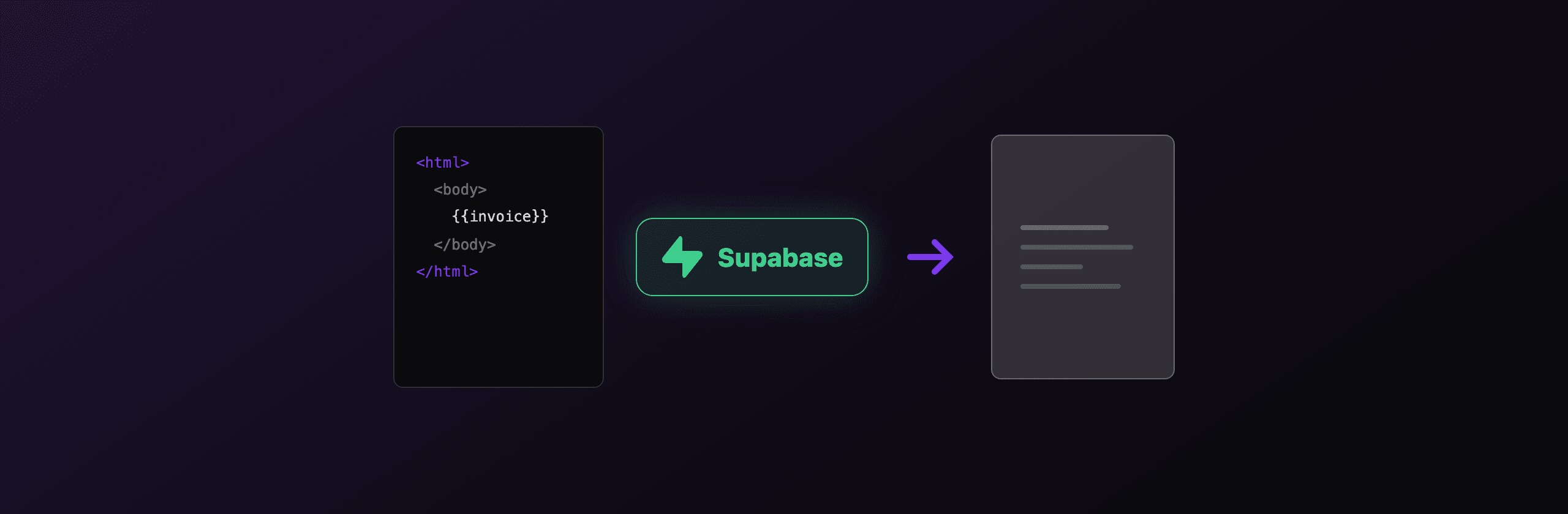
To render real HTML and CSS to PDF from an Edge Function, call a hosted API over fetch, because the Deno isolate has no browser engine to render HTML itself. PDF4.dev renders your HTML with server-side headless Chromium (Playwright) and returns the PDF, so layout, web fonts, flexbox, and page breaks behave exactly as they do in a browser. Your function stays a thin network call.
Send { html, data, delivery } to POST https://pdf4.dev/api/v1/render with a Bearer API key. The data object fills any {{variable}} tokens via Handlebars, so you can keep one template and pass per-request values. With delivery: "url" you get back a short-lived URL instead of a binary body, which keeps the Edge Function response small.
Store the API key in a function secret, never in the client. Set it with supabase secrets set PDF4_API_KEY=p4_live_xxx.
// supabase/functions/render-invoice/index.ts
Deno.serve(async (req) => {
  const { customer, total } = await req.json();

  const html = `
    <html><body style="font-family: Inter, sans-serif; padding: 40px;">
      <h1 style="color:#111827">Invoice</h1>
      <p>Billed to: {{customer}}</p>
      <p style="font-weight:600">Total due: {{total}}</p>
    </body></html>`;

  const res = await fetch("https://pdf4.dev/api/v1/render", {
    method: "POST",
    headers: {
      "Authorization": `Bearer ${Deno.env.get("PDF4_API_KEY")}`,
      "Content-Type": "application/json",
    },
    body: JSON.stringify({
      html,
      data: { customer, total },
      delivery: "url",
    }),
  });

  if (!res.ok) {
    return new Response("PDF render failed", { status: 502 });
  }

  const { url } = await res.json();
  return Response.json({ url });
});
The tradeoff is a network dependency: you trade the impossibility of running Chromium in the isolate for one outbound request. For HTML-driven documents that is the only path that gives browser-accurate output, and it removes the cold-start and binary-size fights that make serverless Chromium fragile. You can preview the same HTML in the browser first with the free Html To PdfTry it free tool before wiring the API call.
How do you save a generated PDF to Supabase Storage?
Create a Supabase client with the service role key inside the function, then upload the PDF bytes to a Storage bucket with contentType: "application/pdf". The service role key bypasses row-level security, which is correct for a trusted server-side function, never expose it to the client. After upload, return a signed URL so the caller can download the file.
The example below takes the bytes from either path above (pdf-lib Uint8Array or the fetched PDF) and writes them to a documents bucket under a per-user path. It then mints a 1-hour signed URL.
// supabase/functions/save-pdf/index.ts
import { createClient } from "npm:@supabase/supabase-js@2";

Deno.serve(async (req) => {
  const supabase = createClient(
    Deno.env.get("SUPABASE_URL")!,
    Deno.env.get("SUPABASE_SERVICE_ROLE_KEY")!,
  );

  // bytes: Uint8Array from pdf-lib, or from a fetched PDF response
  const bytes = await buildPdfBytes(req); // your generator
  const path = `invoices/${crypto.randomUUID()}.pdf`;

  const { error } = await supabase.storage
    .from("documents")
    .upload(path, bytes, {
      contentType: "application/pdf",
      upsert: false,
    });

  if (error) {
    return new Response(error.message, { status: 500 });
  }

  const { data } = await supabase.storage
    .from("documents")
    .createSignedUrl(path, 60 * 60); // 1 hour

  return Response.json({ url: data?.signedUrl });
});
SUPABASE_URL and SUPABASE_SERVICE_ROLE_KEY are injected automatically into every deployed Edge Function, so you do not set them as secrets. Upload accepts a Uint8Array, a Blob, or an ArrayBuffer. Keep the bucket private and serve via signed URLs unless the documents are genuinely public.
For large or frequent batches, prefer delivery: "url" from the render API and then stream the file straight into Storage with fetchPdfBytes. It keeps your function's memory footprint small, which matters in a constrained isolate.
Which option should you choose?
Pick by what your document actually is. The Deno isolate forces the split: HTML needs an external browser engine, everything else can stay local. Here is the recommendation per scenario.
| Scenario | Recommended option |
|---|---|
| Invoice, quote, or report from an HTML template | Hosted API (PDF4.dev) over fetch |
| Fill fields in an existing PDF form | pdf-lib in the isolate |
| Merge, split, or stamp existing PDFs | pdf-lib in the isolate |
| A few lines of plain text (receipt, label) | jsPDF or pdf-lib in the isolate |
| Pixel-match an existing web page design | Hosted API (PDF4.dev) over fetch |
| Zero outbound network calls required | pdf-lib in the isolate (accept manual layout) |
- Choose pdf-lib when the document is built from primitives or you are editing an existing PDF, and you want everything to stay inside the function with no third-party call. Accept that layout is manual.
- Choose jsPDF for the simplest text-only documents where pulling in pdf-lib feels heavy. Same manual-layout caveat applies.
- Choose a hosted API when the document is HTML and CSS, when it must match a web design, or when hand-positioning every element is not worth the effort. You trade local-only execution for one
fetchand browser-accurate output.
The reason there is no "run Chromium in the Edge Function" row is that the Deno Deploy isolate cannot host a browser. Once you accept that constraint, the choice is clean: pure-JS drawing for programmatic PDFs, a hosted render for HTML documents.
Related reading
- PDF generation in Deno: the runtime-level view of what works and what does not under Deno.
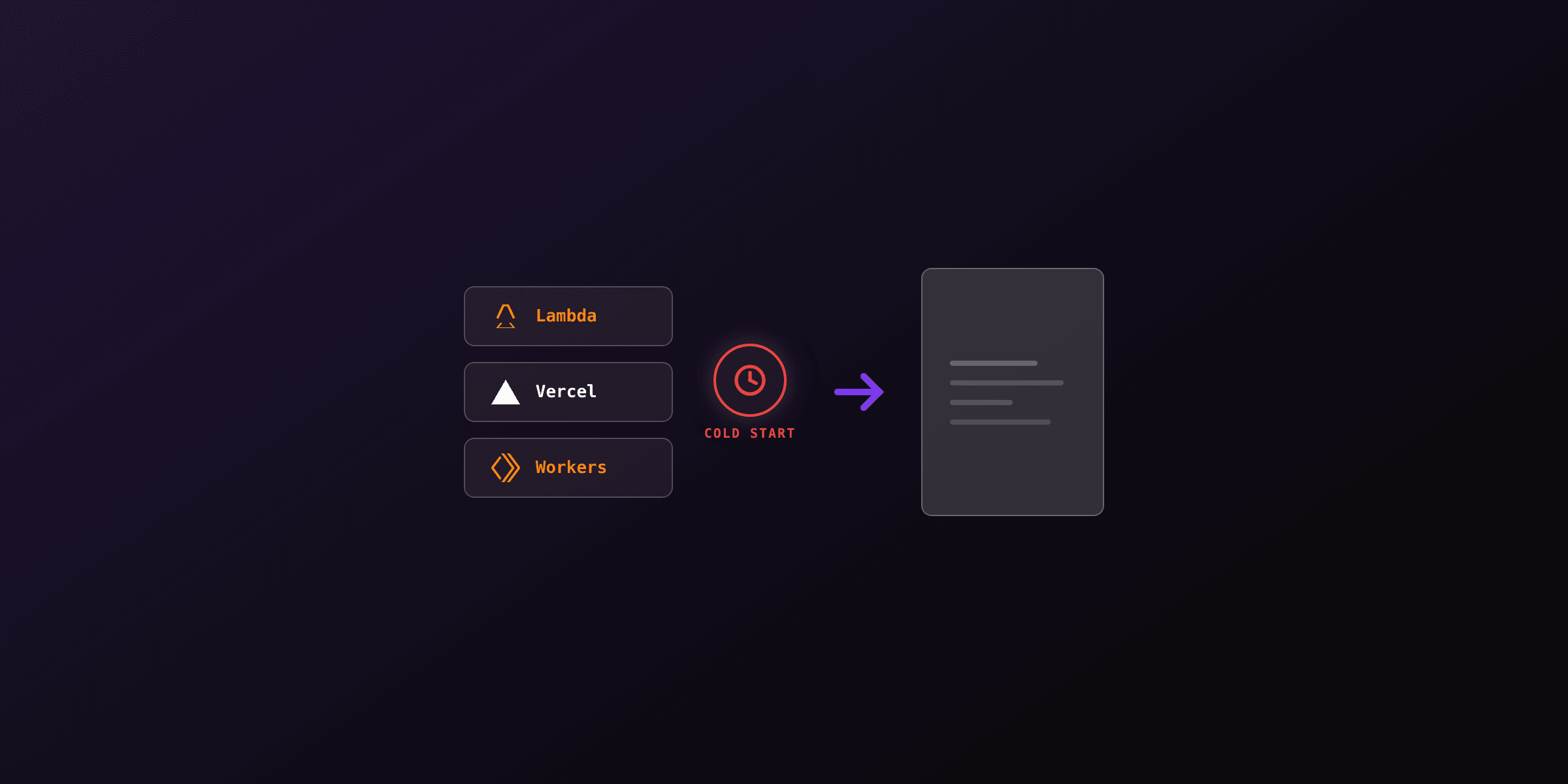
- PDF generation in serverless environments: cold starts, binary size, and the same Chromium constraints across Lambda, Vercel, and Cloudflare.
- Generate a PDF from HTML in Node.js: the Node.js side, where you can run Playwright locally if you are not on an isolate.
For the Deno API surface used above (Deno.serve, Deno.env), see the official Deno runtime documentation. For pdf-lib's drawing and form APIs, see the pdf-lib documentation.
Free tools mentioned:
Frequently asked questions
- Can you run Puppeteer or Playwright in Supabase Edge Functions?
- No. Supabase Edge Functions run on Deno Deploy isolates, which have no local Chromium binary and cannot spawn child processes. Puppeteer and Playwright both need a Chromium executable they can launch, so they fail at runtime. Use a pure-JS PDF library or call a hosted HTML-to-PDF API over fetch instead.
- What is the best way to generate a PDF in a Supabase Edge Function?
- For drawing or filling existing PDFs, use pdf-lib, which is pure JavaScript and runs in the Deno isolate. For full HTML and CSS fidelity (invoices, reports with complex layout), call a hosted API like PDF4.dev over fetch, since you cannot render HTML to PDF without a browser engine in the isolate.
- Does pdf-lib work in Deno and Supabase Edge Functions?
- Yes. pdf-lib is written in pure TypeScript with no native dependencies, so it imports cleanly via npm:pdf-lib in a Supabase Edge Function and runs entirely inside the Deno isolate. It can create pages, draw text and images, and fill form fields, but it does not render HTML or CSS.
- How do I store a generated PDF in Supabase Storage from an Edge Function?
- Create a Supabase client with the service role key inside the function, then call supabase.storage.from('bucket').upload(path, bytes, { contentType: 'application/pdf' }). Pass the PDF as a Uint8Array or Blob. You can then return a signed URL or the public URL to the caller.
- Why does my HTML to PDF code fail in Supabase Edge Functions but work locally?
- Locally you have a full Node.js process and a Chromium binary on disk, so Puppeteer or Playwright can launch a browser. The Deno Deploy isolate behind Supabase Edge Functions has neither, so any code that spawns a browser process throws at runtime even though it compiled fine.
- Can jsPDF run in a Supabase Edge Function?
- Yes, jsPDF is pure JavaScript and imports via npm:jspdf in Deno. It is fine for simple text, lines, and basic tables, but it has no HTML or CSS layout engine, so complex invoice or report layouts are tedious to position by hand.
- How do I return a PDF as the HTTP response from a Deno.serve Edge Function?
- Return a new Response with the PDF bytes and the header content-type set to application/pdf. For example: return new Response(bytes, { headers: { 'content-type': 'application/pdf' } }). Add a content-disposition header if you want the browser to download the file with a name.
Start generating PDFs
Build PDF templates with a visual editor. Render them via API from any language in ~300ms.