Non-Latin scripts turn into empty boxes in a PDF when the font used to draw the page has no glyph for those characters. To render Chinese, Japanese, Korean, Arabic, Hebrew, or emoji in an HTML-to-PDF pipeline, embed a font that covers the script and wait for it to load before capturing the page. Chromium already handles the hard parts, text shaping and right-to-left ordering, so the fix is almost always about fonts, not layout.
This guide covers CJK text, right-to-left scripts, color emoji, and mixing several languages in one document, with copy-paste code for Playwright and the HTML to PDF tool.
Why do non-Latin characters show as boxes in a PDF?
Those boxes are called tofu. A renderer draws the .notdef glyph, a hollow rectangle, whenever the active font has no glyph for a character. The text is present and copyable, but the font cannot display it.
The root cause in HTML-to-PDF is the render environment, not your HTML. A headless Chromium container built from a slim base image ships with almost no fonts beyond a basic Latin set. Your laptop shows Chinese fine because macOS or Windows bundles CJK system fonts. The Docker image on your server does not, so the same HTML produces tofu.
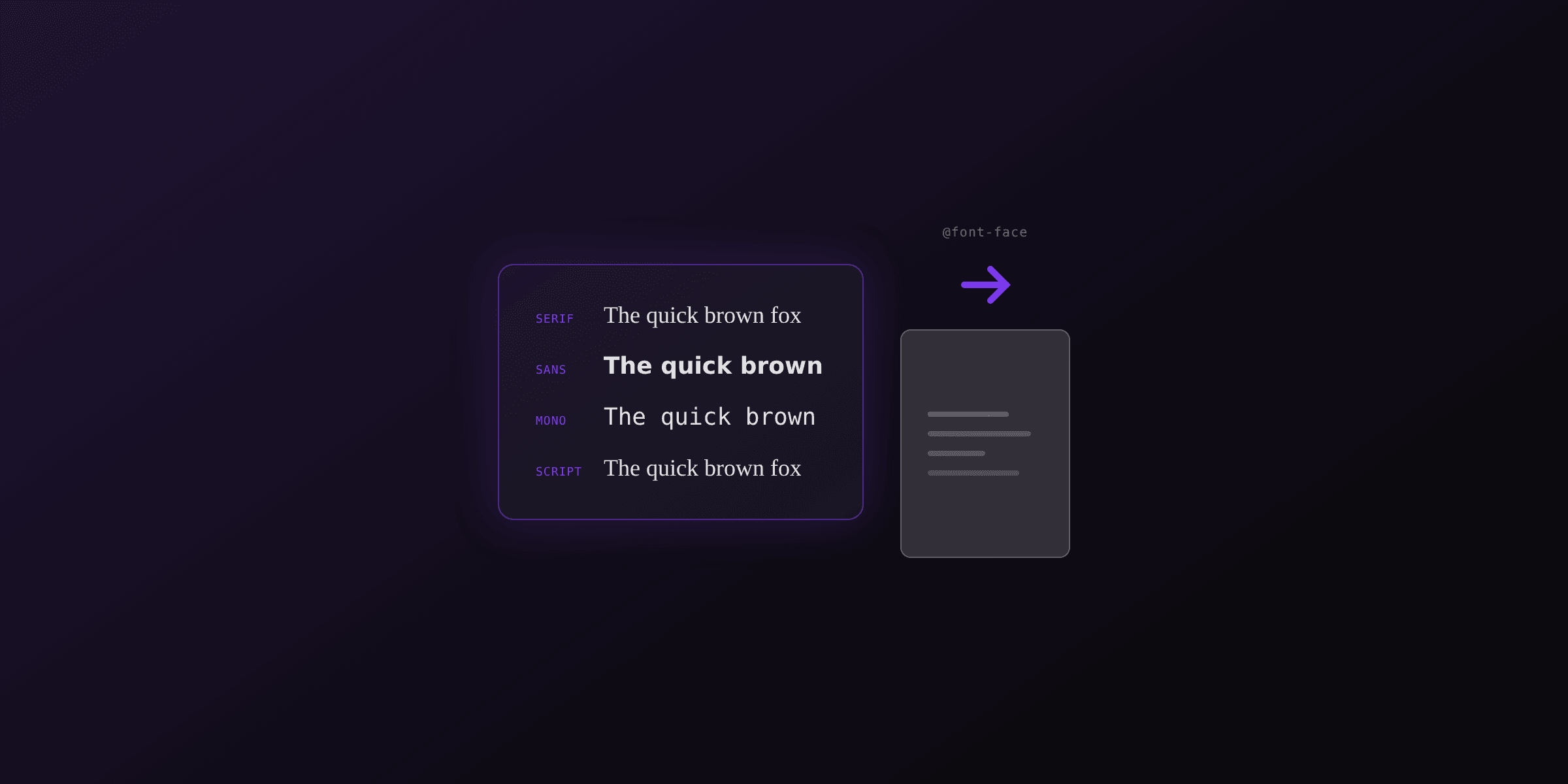
The fix is to stop relying on system fonts and embed the fonts you need directly in the page. Once a font with the right glyphs is loaded before rendering, Chromium subsets it and writes only the used glyphs into the PDF.
How do I add Chinese, Japanese, or Korean text to a PDF?
Declare an @font-face for a CJK font, apply it, and wait for document.fonts.ready before rendering. The Noto family from Google covers every CJK language: Noto Sans SC for Simplified Chinese, Noto Sans TC for Traditional Chinese, Noto Sans JP for Japanese, Noto Sans KR for Korean.
<style>
  @font-face {
    font-family: "Noto Sans SC";
    src: url("/fonts/NotoSansSC-Regular.woff2") format("woff2");
    font-display: block;
  }
  body { font-family: "Noto Sans SC", sans-serif; }
</style>

<h1>发票 / 請求書 / 세금 계산서</h1>
<p>金额: 1,500.00 元</p>
A full CJK font is large. Noto Sans SC is roughly 10 MB unsubsetted because it holds tens of thousands of glyphs. Chromium only embeds the glyphs you actually use, so a short invoice stays small, but keep this in mind for long documents. See PDF font embedding and subsetting for the details.
How do I render Arabic, Hebrew, or other RTL text?
Set the dir attribute to rtl on the element or the html tag, and embed an Arabic or Hebrew font. Chromium reorders the characters with its built-in Unicode bidirectional algorithm and shapes the glyphs with HarfBuzz, so Arabic letters join into initial, medial, and final forms automatically.
Right-to-left support has two independent pieces. Direction controls layout order: text flows from the right edge, and block alignment flips. Shaping controls glyph forms: HarfBuzz picks the correct contextual shape for each letter. Chromium does both as long as the embedded font contains the shaping tables, which the Noto Naskh Arabic and Noto Sans Hebrew fonts do.
<style>
  @font-face {
    font-family: "Noto Naskh Arabic";
    src: url("/fonts/NotoNaskhArabic-Regular.woff2") format("woff2");
  }
  .invoice { font-family: "Noto Naskh Arabic", serif; }
</style>

<div class="invoice" dir="rtl">
  <h1>فاتورة</h1>
  <p>المبلغ الإجمالي: ١٬٥٠٠٫٠٠</p>
</div>
To mix directions on one line, wrap the opposite-direction run in its own element with a dir attribute. An English sentence that contains an Arabic phrase lays out correctly because the Unicode bidi algorithm resolves the ordering per run, not per line.
How do I get emoji to render in a PDF?
Embed a color emoji font. Chromium renders color emoji through Noto Color Emoji and writes them into the PDF using the COLR and CPAL color tables. If the emoji font is absent from the render container, you get monochrome outline glyphs or tofu.
Emoji are the one script where the fix is purely about the container. You rarely declare emoji fonts in CSS because the browser falls back to the system emoji font automatically. That fallback is exactly what a slim Docker image lacks, so bundle fonts-noto-color-emoji in the image and Chromium picks it up without any CSS change.
# Debian or Ubuntu base image
RUN apt-get update && apt-get install -y \
    fonts-noto-cjk \
    fonts-noto-color-emoji \
    fonts-noto-core \
  && rm -rf /var/lib/apt/lists/*
How do I mix several scripts in one document?
Chain fonts in one CSS font-family stack and add a unicode-range to each @font-face so the browser selects the right font per character. One stack can cover Latin, CJK, Arabic, and emoji at once, and each character resolves to the first font in the list that has a glyph for it.
@font-face {
  font-family: "AppFont";
  src: url("/fonts/Inter.woff2") format("woff2");
  unicode-range: U+0000-024F; /* Latin */
}
@font-face {
  font-family: "AppFont";
  src: url("/fonts/NotoSansSC.woff2") format("woff2");
  unicode-range: U+4E00-9FFF; /* CJK ideographs */
}
@font-face {
  font-family: "AppFont";
  src: url("/fonts/NotoNaskhArabic.woff2") format("woff2");
  unicode-range: U+0600-06FF; /* Arabic */
}

body { font-family: "AppFont"; }
The unicode-range descriptor also cuts load time. The browser only downloads a font file when a character in its range appears on the page, so a Latin-only invoice never fetches the 10 MB CJK file. The MDN unicode-range reference lists the syntax.
Which HTML-to-PDF engines handle scripts best?
Chromium-based engines have the widest script coverage because they use HarfBuzz shaping and the full Unicode bidi algorithm. The table compares complex-script support across common HTML-to-PDF paths.
| Engine | CJK | Arabic/RTL shaping | Color emoji | Notes |
|---|---|---|---|---|
| Playwright / Puppeteer (Chromium) | Yes | Yes (HarfBuzz + bidi) | Yes (COLR) | Fonts must be present in the container |
| WeasyPrint | Yes | Yes | Monochrome only | Needs fonts installed; solid bidi |
| wkhtmltopdf | Partial | Weak | No | Old WebKit, deprecated, poor shaping |
| jsPDF (client-side) | No by default | No | No | Needs manual font embedding, no shaping |
| PDF4.dev (Chromium) | Yes | Yes | Yes | Ships the fonts, loads Google Fonts, waits for load |
Support depends on the fonts available at render time. Every engine here draws tofu if the required font is missing, so treat font provisioning as part of the setup, not an afterthought.
Performance and file size
Multilingual fonts are the main cost driver in these PDFs. A Latin-only render embeds a font under 100 KB. Add a full CJK document and the embedded subset can grow to a few hundred KB, because more of the 20,000-plus glyphs get used.
Three tactics keep renders fast and files small. Self-host or inline fonts as base64 data URIs to remove network round trips, which matters most for CJK fonts that Google Fonts serves in dozens of sliced requests. Use unicode-range so a font only loads when its script appears. Pre-subset fonts to the character set you know you need if your documents use a fixed vocabulary, which can shrink a CJK font from 10 MB to a few hundred KB before it even reaches the browser.
When the DIY font setup gets heavy
Embedding fonts and waiting for document.fonts.ready works well until you run it in production across many languages. The recurring problems are operational, not technical: keeping a Docker image with fonts-noto-cjk, fonts-noto-color-emoji, and Arabic and Hebrew fonts installed and updated; the image size growing by 100 MB or more from font packages; and race conditions where page.pdf() fires before a font finishes loading and a fallback gets embedded instead.
PDF4.dev runs the same Chromium engine, so the rendering is identical, but the render image already ships CJK, Arabic, Hebrew, and color emoji fonts, loads any Google Fonts you reference through google_fonts_url, and waits for fonts to settle before capturing. You send HTML with the language you want and get a correct PDF back.
Want multilingual PDFs without maintaining a font-laden Docker image? Create a free PDF4.dev API key and render Chinese, Arabic, Hebrew, and emoji from HTML with one API call. Or try it now in the HTML to PDF tool.
Verify your output
Open the finished PDF and confirm there are no tofu boxes, then select and copy a line of text. If the copied text is real Unicode, the characters are embedded as text, not rasterized as an image, so they stay searchable and accessible. For screen-reader accessible output, pair this with a tagged PDF, covered in accessible tagged PDF from HTML.
Multilingual rendering comes down to one rule: ship the font, wait for it to load, and let Chromium do the shaping. For more on the font side, read how to add custom fonts to a PDF and the Node.js HTML-to-PDF guide.
Free tools mentioned:
Frequently asked questions
- Why do Chinese or Arabic characters show as empty boxes in my PDF?
- The font used to render the page has no glyph for those characters, so the renderer draws a .notdef box (tofu). Headless Chromium containers ship almost no CJK or Arabic system fonts, so you must embed a font that covers the script, such as Noto Sans SC or Noto Naskh Arabic.
- How do I add Chinese, Japanese, or Korean text to a PDF from HTML?
- Declare an @font-face for a CJK font like Noto Sans SC, Noto Sans JP, or Noto Sans KR, apply it to the element, and wait for document.fonts.ready before rendering. Chromium then embeds the used glyphs in the PDF.
- How do I render right-to-left text like Arabic or Hebrew?
- Set the dir attribute to rtl on the element or the html tag, or use the CSS direction property. Chromium reorders the text with its built-in Unicode bidirectional algorithm and shapes the glyphs with HarfBuzz. You still need an Arabic or Hebrew font embedded for the glyphs to appear.
- Can I put color emoji in a PDF?
- Yes. Chromium renders color emoji through Noto Color Emoji and embeds them in the PDF. If the emoji font is missing from the container you get black-and-white outline glyphs or tofu, so bundle the emoji font explicitly in production images.
- Why is my multilingual PDF file so large?
- CJK fonts are large because they contain tens of thousands of glyphs. Noto Sans SC is roughly 10 MB unsubsetted. Chromium subsets fonts to only the glyphs you use, so a PDF with a few Chinese lines stays small, but a full-length CJK document embeds more of the font.
- Do I need a different font for each language?
- Often yes for the visible glyphs, but you can chain fonts in one CSS font-family stack and use unicode-range on each @font-face so the browser picks the right font per character. One stack can cover Latin, CJK, Arabic, and emoji at once.
- Does Chromium handle Arabic letter joining and ligatures?
- Yes. Chromium shapes Arabic through HarfBuzz, so initial, medial, final, and isolated letter forms and required ligatures render correctly as long as the embedded font contains the shaping tables.
- How do I mix left-to-right and right-to-left text in one line?
- Wrap the RTL span in an element with dir set to rtl, or use the Unicode isolate characters. The bidi algorithm in Chromium handles the ordering, so an English sentence with an embedded Arabic phrase lays out correctly.
- Which HTML-to-PDF engines support non-Latin scripts best?
- Chromium-based engines (Playwright, Puppeteer) have the strongest script coverage because they use HarfBuzz shaping and the full Unicode bidi algorithm. WeasyPrint supports RTL and CJK with fonts installed. wkhtmltopdf and client-side jsPDF have weak or no complex-script support.
- Should I use Google Fonts or self-host multilingual fonts?
- Self-host or inline for production. Google Fonts serves CJK fonts sliced into unicode-range subsets, which adds many requests and latency per render. Self-hosting a subset you control removes the network round trips and makes render time predictable.
- Does PDF4.dev support multilingual PDFs?
- Yes. PDF4.dev renders with Chromium, ships CJK, Arabic, Hebrew, and emoji fonts in its render image, loads Google Fonts you reference, and waits for fonts to finish loading before capturing the PDF.
Start generating PDFs
Build PDF templates with a visual editor. Render them via API from any language in ~300ms.