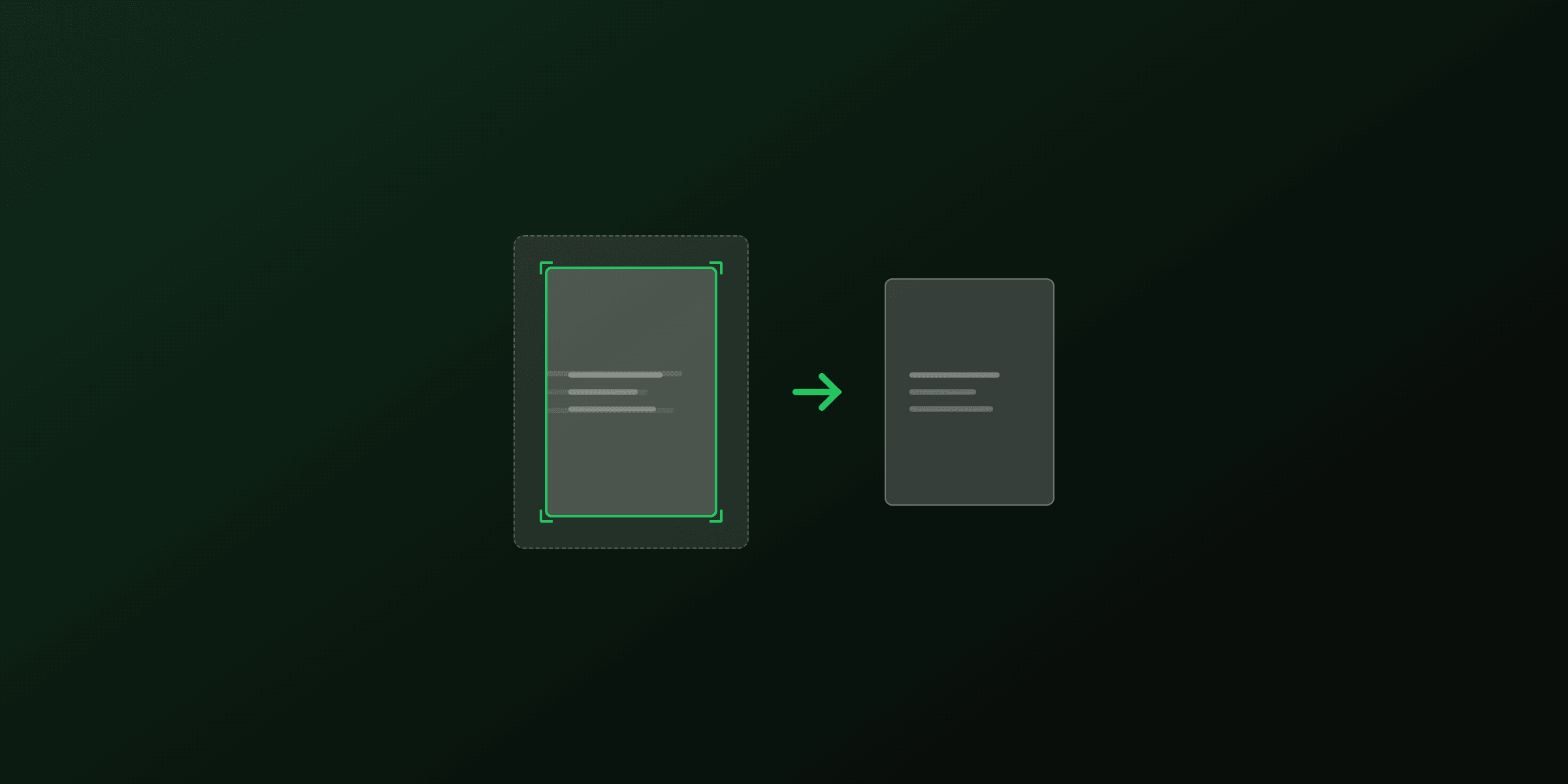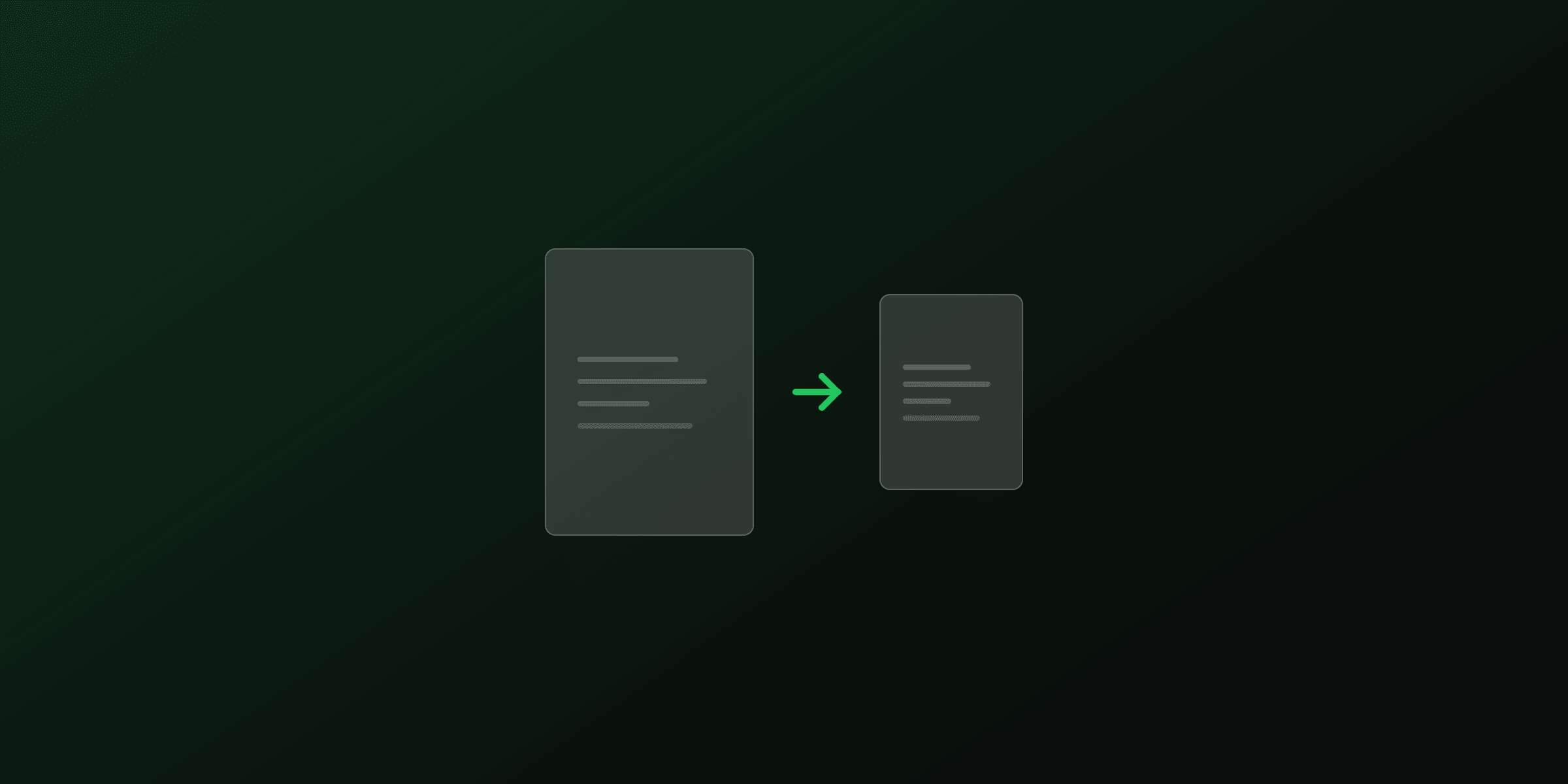
Resizing a PDF means changing the page dimensions, for example from A4 (210 x 297 mm) to US Letter (8.5 x 11 inches), while scaling the content to fit the new size. This is different from cropping, which hides part of the page without changing its dimensions. This guide covers the free online method and four programmatic approaches: pdf-lib (Node.js), PyMuPDF (Python), Ghostscript, and qpdf.
How PDF page sizes work
PDF dimensions are defined in points, where 1 inch equals 72 points. The MediaBox dictionary entry on each page object sets the full page size. Common sizes:
| Size | Points | Millimetres | Inches |
|---|---|---|---|
| A4 | 595.28 x 841.89 | 210 x 297 | 8.27 x 11.69 |
| US Letter | 612 x 792 | 215.9 x 279.4 | 8.5 x 11 |
| Legal | 612 x 1008 | 215.9 x 355.6 | 8.5 x 14 |
| Tabloid | 792 x 1224 | 279.4 x 431.8 | 11 x 17 |
The difference between A4 and Letter is small: Letter is 17 points wider and 50 points shorter. Content created for one usually fits the other with minor scaling. Legal and Tabloid require more significant rescaling.
Resizing vs cropping
Resizing creates a new page with different dimensions and scales the content proportionally to fill it. Cropping adjusts the CropBox to hide edges but leaves the MediaBox and content unchanged. If you need to remove white margins, use the crop PDF tool instead. If you need a different paper format, resize.
How to resize a PDF online (free, no upload)
The PDF4.dev resize PDF tool runs entirely in your browser using pdf-lib. Files are never sent to a server.
- Open pdf4.dev/tools/resize-pdf and drop your PDF onto the upload area.
- Select a target page size from the presets (A4, Letter, Legal, Tabloid) or enter custom dimensions in millimetres.
- The tool creates a new document with the target page size and embeds each original page, scaled to fit.
- Click Resize and download the result.
The tool scales content proportionally, so aspect ratio is preserved. If the source and target aspect ratios differ (e.g. A4 portrait to Letter portrait), the content is fitted within the new bounds with slight margins on one axis.
Resize a PDF online, freeTry it freeHow to resize a PDF with pdf-lib (Node.js)
pdf-lib is a pure-JavaScript library for Node.js and the browser. Resizing with pdf-lib works by creating a new document at the target size, embedding each source page, and drawing it scaled to fit.
npm install pdf-libimport { PDFDocument } from "pdf-lib";
import { readFileSync, writeFileSync } from "fs";
async function resizePdf(
inputPath: string,
outputPath: string,
targetWidth: number,
targetHeight: number
) {
const srcBytes = readFileSync(inputPath);
const srcDoc = await PDFDocument.load(srcBytes);
const newDoc = await PDFDocument.create();
const srcPages = await newDoc.embedPdf(srcDoc);
for (const embedded of srcPages) {
const page = newDoc.addPage([targetWidth, targetHeight]);
// Scale to fit while preserving aspect ratio
const scaleX = targetWidth / embedded.width;
const scaleY = targetHeight / embedded.height;
const scale = Math.min(scaleX, scaleY);
const scaledW = embedded.width * scale;
const scaledH = embedded.height * scale;
// Center on the new page
const x = (targetWidth - scaledW) / 2;
const y = (targetHeight - scaledH) / 2;
page.drawPage(embedded, { x, y, width: scaledW, height: scaledH });
}
const output = await newDoc.save();
writeFileSync(outputPath, output);
console.log(`Resized PDF saved to ${outputPath}`);
}
// Resize to US Letter (612 x 792 points)
resizePdf("input.pdf", "output.pdf", 612, 792);Convert mm to points
PDF dimensions use points (1 inch = 72 points). To convert millimetres:
const mmToPoints = (mm: number) => (mm / 25.4) * 72;

// A4: 210mm x 297mm
const a4Width = mmToPoints(210);  // 595.28
const a4Height = mmToPoints(297); // 841.89

// Custom: 150mm x 200mm
resizePdf("input.pdf", "output.pdf", mmToPoints(150), mmToPoints(200));
Resize specific pages only
const srcDoc = await PDFDocument.load(readFileSync("input.pdf"));
const newDoc = await PDFDocument.create();
const allPages = await newDoc.embedPdf(srcDoc);

for (let i = 0; i < allPages.length; i++) {
  const embedded = allPages[i];
  const shouldResize = i === 0; // resize only the first page

  if (shouldResize) {
    const page = newDoc.addPage([612, 792]); // Letter
    const scale = Math.min(612 / embedded.width, 792 / embedded.height);
    const w = embedded.width * scale;
    const h = embedded.height * scale;
    page.drawPage(embedded, {
      x: (612 - w) / 2,
      y: (792 - h) / 2,
      width: w,
      height: h,
    });
  } else {
    // Keep original size
    const page = newDoc.addPage([embedded.width, embedded.height]);
    page.drawPage(embedded);
  }
}
How to resize a PDF with PyMuPDF (Python)
PyMuPDF (pymupdf) can resize pages by setting a new MediaBox and applying a transformation matrix to scale the content.
pip install pymupdfimport pymupdf # pip install pymupdf
def resize_pdf(input_path: str, output_path: str, target_w: float, target_h: float):
"""Resize all pages to target dimensions (in points)."""
doc = pymupdf.open(input_path)
for page in doc:
src_rect = page.rect # current page size
# Calculate scale factors
scale_x = target_w / src_rect.width
scale_y = target_h / src_rect.height
scale = min(scale_x, scale_y)
# Create transformation matrix: scale then center
mat = pymupdf.Matrix(scale, scale)
# Set new page size
page.set_mediabox(pymupdf.Rect(0, 0, target_w, target_h))
# Apply transform to all page content
page.apply_redactions() # flush any pending changes
# Alternative: create a new page and insert the old one
# For direct resize, we use the CropBox + transform approach
doc.save(output_path, garbage=4, deflate=True)
print(f"Saved: {output_path}")A more reliable approach creates a fresh document and inserts each page with scaling:
import pymupdf

def resize_pdf(input_path: str, output_path: str, target_w: float, target_h: float):
    """Resize all pages by inserting into a new document at target size."""
    src = pymupdf.open(input_path)
    dst = pymupdf.open()  # new empty document

    for page in src:
        new_page = dst.new_page(width=target_w, height=target_h)
        # show_pdf_page scales and positions the source page
        new_page.show_pdf_page(
            pymupdf.Rect(0, 0, target_w, target_h),
            src,
            page.number,
        )

    dst.save(output_path, garbage=4, deflate=True)
    print(f"Saved: {output_path}")

# Convert mm to points
def mm_to_pt(mm: float) -> float:
    return mm / 25.4 * 72

# Resize to US Letter
resize_pdf("input.pdf", "output.pdf", 612, 792)

# Resize to custom 150mm x 200mm
resize_pdf("input.pdf", "output.pdf", mm_to_pt(150), mm_to_pt(200))
The show_pdf_page() method handles scaling and centering automatically. It fits the source page into the target rectangle while preserving aspect ratio.
How to resize a PDF with Ghostscript (command line)
Ghostscript re-renders each page at the target size, producing a clean output with no hidden content from the original dimensions.
# Install on macOS
brew install ghostscript

# Install on Ubuntu/Debian
sudo apt install ghostscript
Resize to a named paper size
gs \
  -sDEVICE=pdfwrite \
  -dNOPAUSE \
  -dBATCH \
  -sPAPERSIZE=letter \
  -dPDFFitPage \
  -sOutputFile=output.pdf \
  input.pdf
What each flag does:
| Flag | Effect |
|---|---|
-sPAPERSIZE=letter | Set output page size to US Letter (612 x 792 pt) |
-dPDFFitPage | Scale content to fit the new page size |
-dFIXEDMEDIA | Lock the output page size (use with custom dims) |
Common -sPAPERSIZE values: a4, letter, legal, tabloid, a3, a5, b5.
Resize to custom dimensions
For sizes not in the named list, specify width and height in points:
gs \
  -sDEVICE=pdfwrite \
  -dNOPAUSE \
  -dBATCH \
  -dFIXEDMEDIA \
  -dPDFFitPage \
  -dDEVICEWIDTHPOINTS=425 \
  -dDEVICEHEIGHTPOINTS=567 \
  -sOutputFile=output.pdf \
  input.pdf
To convert from millimetres to points for the command: points = mm * 72 / 25.4. For a 150 x 200 mm page: 425.20 x 566.93 points, rounded to 425 x 567.
Convert A4 to Letter (common use case)
gs -sDEVICE=pdfwrite -dNOPAUSE -dBATCH \
   -sPAPERSIZE=letter -dPDFFitPage \
   -sOutputFile=letter_output.pdf a4_input.pdf
The A4-to-Letter scale factor is about 0.97 vertically and 1.03 horizontally, so content shifts by a few millimetres at most.
How to resize a PDF with qpdf (command line)
qpdf can modify the MediaBox on each page directly, but it does not scale the content. This changes the page dimensions without adjusting the layout, so content may be cut off or float in extra whitespace.
# Install on macOS
brew install qpdf

# Install on Ubuntu/Debian
sudo apt install qpdf
# Set all pages to US Letter by modifying the MediaBox
qpdf input.pdf output.pdf \
--pages . 1-z -- \
--force-version=1.5qpdf does not have a built-in resize-and-scale command. To change the MediaBox without content scaling, you can use qpdf's JSON output mode to edit page objects, but this is complex and error-prone. For resize operations that require content scaling, Ghostscript or pdf-lib are better choices.
qpdf is best suited for lossless structural changes (reordering, splitting, merging). For resizing with content scaling, use Ghostscript, pdf-lib, or PyMuPDF instead.
Comparison: which method to use?
| Method | Scales content | Preserves vectors | Per-page control | Best for |
|---|---|---|---|---|
| PDF4.dev tool | Yes | Yes | All pages | Quick one-off, no code |
| pdf-lib | Yes | Yes | Full (loop) | Node.js automation, client-side |
| PyMuPDF | Yes | Yes | Full (loop) | Python scripts, data pipelines |
| Ghostscript | Yes | Re-renders | One size for all | Batch scripts, print prep |
| qpdf | No | Yes | Page ranges | MediaBox-only changes |
pdf-lib and PyMuPDF embed the original page as a form XObject, so vector content (text, shapes) stays sharp at any scale. Ghostscript re-renders pages through its PDF interpreter, which can occasionally alter font spacing or transparency blending.
Common use cases
A4 to Letter conversion. European documents are A4 (210 x 297 mm). US printers expect Letter (8.5 x 11 in). The difference is small enough that content fits with minimal scaling, but without resizing, the bottom of A4 pages gets clipped on Letter paper.
Letter to A4 conversion. The reverse: US documents printed in Europe. A4 is narrower but taller than Letter, so Letter content gets slight side margins and a bit of vertical stretch.
Standardize mixed-size PDFs. Merged documents from multiple sources often contain a mix of page sizes. Resizing every page to a single format (e.g. A4) makes the document consistent for printing and viewing.
Scale down for mobile reading. PDFs designed for print (A4 or Letter) can be resized to smaller dimensions, such as 5 x 7 inches, for comfortable reading on tablets or phones.
Prepare files for print. Commercial printers may require specific page sizes that differ from the original design. Resize to the printer's expected format before submitting, rather than relying on the print driver to scale.
Create booklet pages. Resizing A4 pages to A5 lets you print two pages per sheet for saddle-stitch booklets. Resize first, then use a print utility to impose the pages in booklet order.
Summary
- Resizing a PDF changes the page dimensions and scales content to fit. Cropping only hides edges.
- For quick resizes with no code, use the PDF4.dev resize PDF tool, which runs in your browser and never uploads files.
- For Node.js automation,
pdf-libembeds and scales each page into a new document at the target size. - For Python,
PyMuPDFwithshow_pdf_page()handles scaling and centering in a single method call. - For command-line batch processing, Ghostscript with
-sPAPERSIZEand-dPDFFitPageis the standard approach. - Convert mm to points with
(mm / 25.4) * 72. Common values: A4 = 595 x 842 pt, Letter = 612 x 792 pt.
Frequently asked questions
- What is the difference between resizing and cropping a PDF?
- Resizing changes the actual page dimensions (e.g. from A4 to Letter) and scales the content to fit the new size. Cropping hides part of the page by adjusting the CropBox, but the page dimensions and hidden content remain unchanged. Use resizing when you need a different paper size; use cropping when you want to trim margins or remove whitespace.
- How do I convert a PDF from A4 to Letter size?
- Upload your PDF to the PDF4.dev resize tool at /tools/resize-pdf, select "Letter" as the target size, and download the result. The tool scales content proportionally to fit the new 8.5 x 11 inch dimensions. Programmatically, use Ghostscript with -sPAPERSIZE=letter -dPDFFitPage or pdf-lib to embed and scale each page into a new Letter-sized document.
- Does resizing a PDF reduce quality?
- Resizing vector content (text, shapes, lines) does not reduce quality because vectors scale without loss. Raster images embedded in the PDF may lose sharpness when scaled up, since the pixel count stays the same. Scaling down is generally safe. For best results, keep the scale factor close to 1.0 (e.g. A4 to Letter is a 1.03x width change).
- How do I resize a PDF without Adobe Acrobat?
- Use the free PDF4.dev resize tool at /tools/resize-pdf. It runs entirely in your browser and files never leave your device. For automation, use pdf-lib in Node.js, PyMuPDF in Python, or Ghostscript on the command line. All four options are free and open-source.
- What are the standard PDF page sizes in points?
- A4 is 595.28 x 841.89 points (210 x 297 mm). US Letter is 612 x 792 points (8.5 x 11 inches). Legal is 612 x 1008 points (8.5 x 14 inches). Tabloid is 792 x 1224 points (11 x 17 inches). PDF uses 72 points per inch. Convert mm to points with: points = (mm / 25.4) * 72.
- Can I resize specific pages in a PDF without affecting the rest?
- Yes. With pdf-lib and PyMuPDF you can loop over pages by index and resize only the ones you need. With Ghostscript, split the PDF first, resize the target pages, then merge everything back. The PDF4.dev resize tool applies the new size to all pages at once.
- How do I resize a PDF on the command line?
- Use Ghostscript: gs -sDEVICE=pdfwrite -dNOPAUSE -dBATCH -sPAPERSIZE=letter -dPDFFitPage -sOutputFile=output.pdf input.pdf. This scales all pages to fit US Letter. For custom dimensions, use -dDEVICEWIDTHPOINTS=width -dDEVICEHEIGHTPOINTS=height instead of -sPAPERSIZE.
Start generating PDFs
Build PDF templates with a visual editor. Render them via API from any language in ~300ms.