Choose Gotenberg when you want a Docker service with an HTTP API and Chromium-based HTML rendering. Choose WeasyPrint when you want to integrate a print-oriented HTML/CSS renderer into a Python workflow. Then test the documents you actually produce: the engine boundary matters more than the language used to call it.
This comparison uses the projects' official documentation, checked on November 2, 2026. It focuses on integration and document behavior, rather than invented speed or memory rankings.
What are you comparing: a service or a rendering engine?
Gotenberg and WeasyPrint sit at different levels of a PDF stack. Gotenberg exposes conversion through a service; WeasyPrint can be called as a Python library or command-line program. You can put WeasyPrint behind HTTP too, but that wrapper becomes part of your application.
| Decision | Gotenberg | WeasyPrint |
|---|---|---|
| Integration boundary | Multipart HTTP requests to a Docker service | Python API or command line; build a service wrapper if needed |
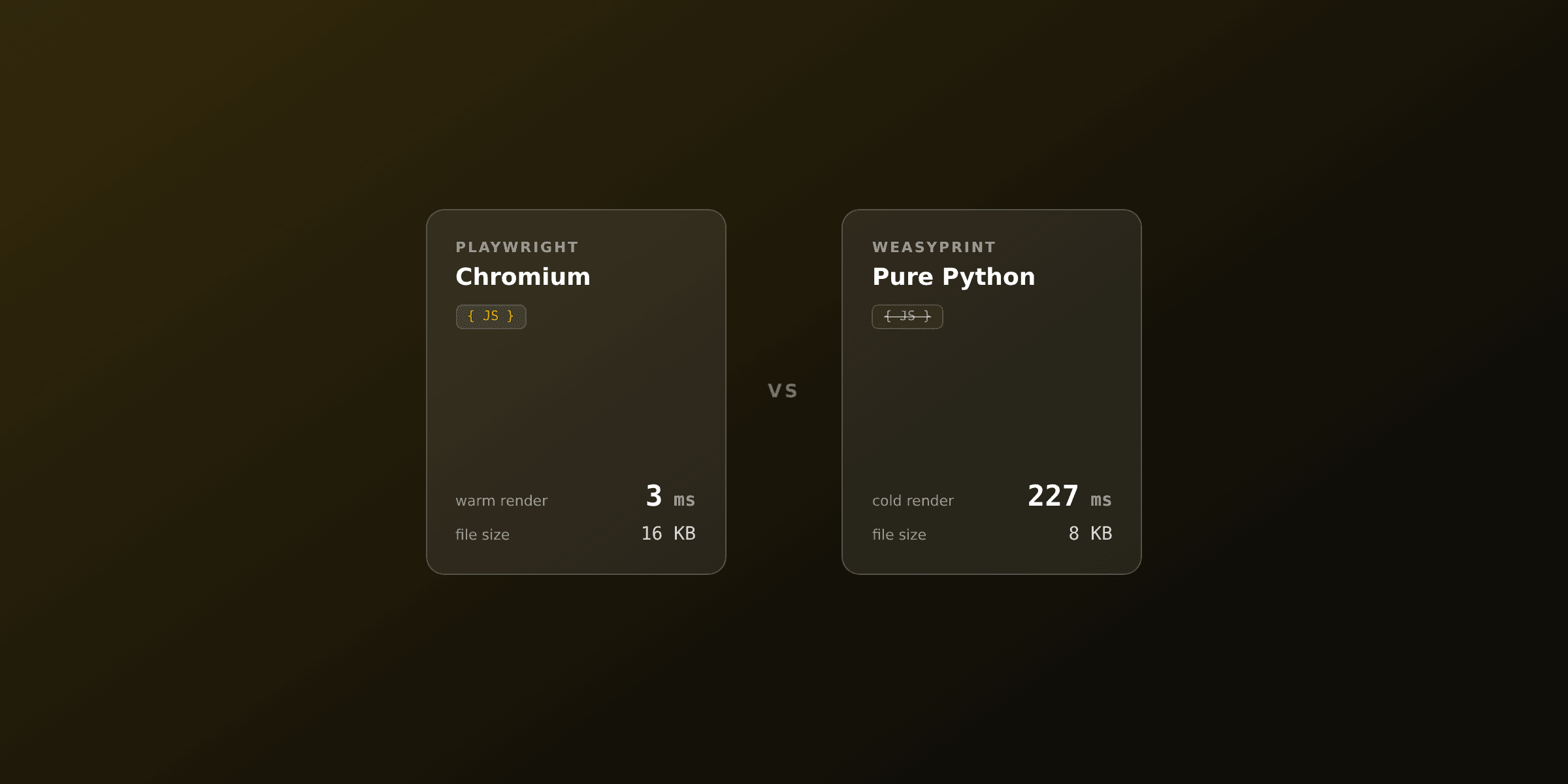
| HTML renderer | Headless Chromium | WeasyPrint's own HTML/CSS engine |
| JavaScript-dependent content | Chromium can execute page JavaScript; configure readiness | Prepare final HTML and chart assets before conversion |
| Office conversion | Available through LibreOffice in the appropriate image | Outside the HTML/CSS renderer's scope |
| Asset handling | Upload HTML and assets according to the route's rules | Resolve assets through the document base URL or fetcher |
| Service operation | Deploy and maintain the conversion service | Run in a worker or build and maintain a service around it |
Sources: Gotenberg installation and image variants, its HTML conversion route, and WeasyPrint's first steps.
Our recommendation is to make the service boundary explicit before evaluating output. An existing Python background worker and a product with five services written in different languages may prefer different integration points, even when both produce the same invoice.
How do you render the same HTML fixture with each option?
Start with the same static index.html, fonts, and images. Give each renderer the correct asset paths, then compare the resulting PDFs rather than changing the template until one sample happens to look right.
For a local Gotenberg evaluation, the official installation guide documents a localhost-bound Docker setup:
docker run --rm -p "127.0.0.1:3000:3000" gotenberg/gotenberg:8From another terminal, submit the HTML fixture:
curl --fail-with-body \
  --request POST http://localhost:3000/forms/chromium/convert/html \
  --form 'files=@index.html' \
  --output gotenberg.pdf
Gotenberg requires the HTML file to be named index.html. Additional uploaded assets share a flat directory, so reference those assets by filename. The route documentation explains the upload layout. Pin a reviewed image version or digest for repeatable production deployments.
For an environment with WeasyPrint and its native dependencies installed, use its Python API:
from weasyprint import HTML

HTML(filename="index.html").write_pdf("weasyprint.pdf")
The snippets are two integration examples, not a benchmark harness. Use self-contained fixtures first; add external assets and dynamic-content requirements only after confirming the baseline rendering behavior.
How should print CSS and JavaScript affect your choice?
Use the document's actual layout and execution requirements to select candidates. A browser-rendered dashboard and a long print-oriented report are different workloads, even if both arrive as HTML.
WeasyPrint's project documentation describes a renderer built for paged HTML/CSS content. Its API reference lists supported features and warns that upgrades can change rendered output. Test the CSS features your report uses rather than assuming that a broad label such as "CSS support" settles the choice.
For JavaScript-generated content, make the preparation step visible. A chart converted to SVG before rendering is a different input from a page that must execute a chart library. Our recommendation is to test both the finished asset and the readiness condition when evaluating a Chromium workflow.
Use a fixture set containing a short invoice, a long table, a custom font, and a multilingual document. Record page counts and review page images. Our PDF regression-testing guide gives a repeatable comparison workflow, and the PDF-to-PNG tool helps with manual review.
What do you still have to operate yourself?
Both self-operated choices need a production owner. Our recommended checklist covers dependency updates, worker resource limits, allowed asset destinations, font packaging, timeout behavior, and output regression checks.
Gotenberg already gives you an HTTP boundary. Its installation guide says to keep the service behind a firewall. WeasyPrint gives you a direct Python call; if that call accepts customer documents or URLs, decide where it runs and how its resource use is bounded before exposing it through an application endpoint.
Neither integration shape removes the need to test document changes after an update. Use the Gotenberg vs Playwright comparison if your real decision is a packaged browser service versus custom browser orchestration. Use Playwright vs WeasyPrint for a closer look at the rendering-engine choice.
If your team wants a hosted renderer and template management, PDF4.dev provides that service boundary. Evaluate the same fixtures through PDF4.dev and keep the acceptance criteria unchanged. The HTML-to-PDF tool is a convenient manual starting point; the production decision remains about output requirements and who maintains the renderer.
Free tools mentioned:
Frequently asked questions
- What is the main difference between Gotenberg and WeasyPrint?
- Gotenberg packages document conversion engines behind an HTTP API in Docker. Its HTML route uses Chromium. WeasyPrint is a Python HTML/CSS-to-PDF renderer with a command-line interface and Python API.
- Which should I choose for JavaScript-generated charts?
- A Chromium-based path is the natural candidate when JavaScript must execute during rendering. With WeasyPrint, prepare the chart as an image or SVG before conversion. Test the exact asset and readiness path.
- Is Gotenberg a Python library?
- No. A Python application can call Gotenberg over HTTP, but Gotenberg is a separate service. WeasyPrint can run directly through its Python API or behind a service you build.
- Does WeasyPrint use Chromium?
- No. WeasyPrint has its own HTML/CSS rendering engine for paged documents. Do not assume that a template designed for Chromium will paginate identically in WeasyPrint.
- Can Gotenberg also convert Office files?
- Gotenberg's full image includes LibreOffice conversion. Its Chromium-only image does not. WeasyPrint's HTML/CSS rendering API is a different scope from Office document conversion.
- Which renderer is faster?
- Benchmark representative documents under the concurrency, hardware, fonts, and startup conditions you intend to deploy. This comparison does not claim a universal speed winner or reuse unrelated vendor benchmark numbers.
- Which renderer has fewer production responsibilities?
- Both self-operated choices need dependency updates, resource limits, font packaging, asset policies, and output testing. Gotenberg gives you an existing service boundary; WeasyPrint gives you direct Python integration.
- When does PDF4.dev fit instead?
- PDF4.dev is an option when you want hosted HTML-to-PDF rendering and template management. It changes who operates the rendering service; you still validate templates and maintain the application calling it.
Start generating PDFs
Build PDF templates with a visual editor. Render them via API from any language in ~300ms.