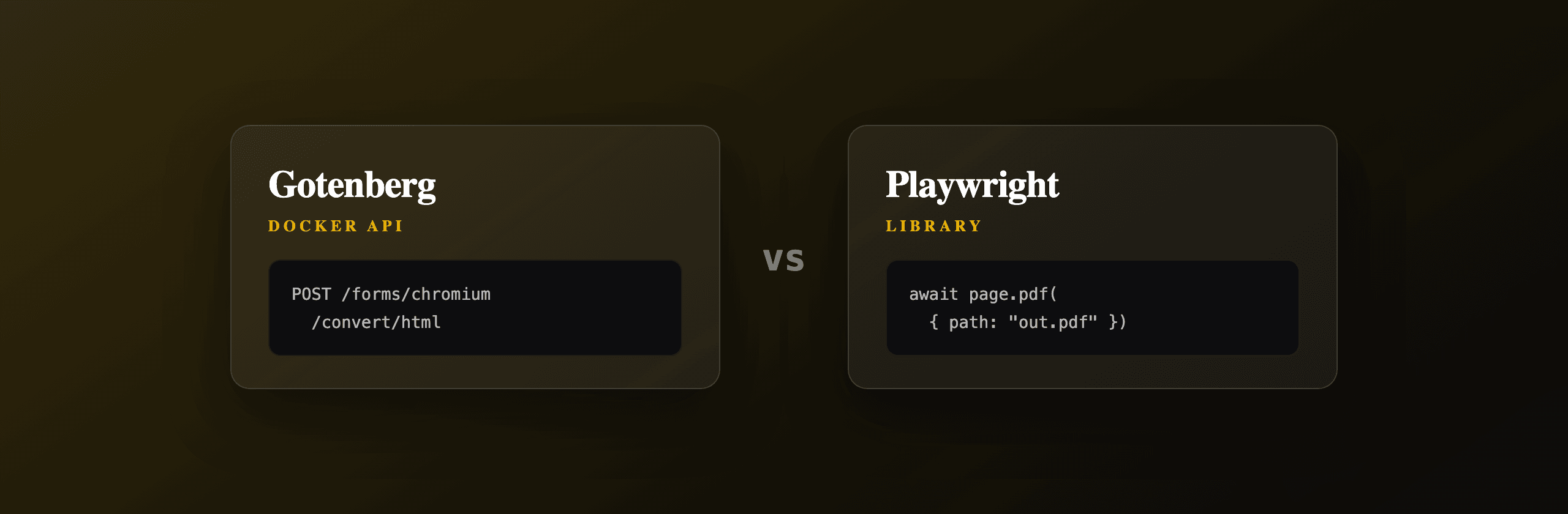
Gotenberg and Playwright both turn HTML into PDF with headless Chromium, but they live at different layers of your stack. Gotenberg is a self-hosted Docker microservice that exposes an HTTP API: you POST HTML, a URL, or an Office file and get back a PDF, and the container owns the browser. Playwright is a library you embed directly in your Node.js or Python process, giving you full control of the page lifecycle while you own the Chromium install, the browser pool, and the scaling. Choose Gotenberg when you want a clean service boundary and built-in Office conversion. Choose Playwright when you want in-process control and no extra network hop. If you want neither container nor browser pool, PDF4.dev is the hosted option.
Gotenberg vs Playwright at a glance
The core difference is where the browser runs and who manages it. Gotenberg runs Chromium inside a container behind an HTTP API, so your app stays browser-free. Playwright runs Chromium inside your own application process, so your app owns the full lifecycle.
| Dimension | Gotenberg | Playwright |
|---|---|---|
| What it is | Self-hosted Docker microservice | In-process library (npm / pip) |
| Interface | HTTP API (multipart POST) | Function calls in your code |
| Where the browser lives | Inside the container | Inside your app process |
| Rendering engine | Chromium (HTML/URL) + LibreOffice (Office) | Chromium only |
| Office files (docx/xlsx) | Yes, via bundled LibreOffice | No |
| Setup | docker run gotenberg/gotenberg | npm i playwright + browser download |
| Scaling | Add containers behind a load balancer | Manage a browser pool yourself |
| Languages | Any (it is HTTP) | Node.js, Python, Java, .NET |
| Ops burden | Run and monitor a service | Patch Chromium, cap memory, in-app |
Both produce the same visual output for the same HTML, because both drive Chromium's print pipeline. The decision is architectural, not about fidelity.
When should you use Gotenberg?
Use Gotenberg when you want a service boundary between your application and the browser, or when you need to convert Office documents (Word, Excel, PowerPoint) to PDF. Gotenberg is a stateless HTTP microservice distributed as the gotenberg/gotenberg Docker image. Your app never imports a browser library: it makes an HTTP call and receives the PDF bytes.
Gotenberg bundles Chromium for HTML and URL conversion and LibreOffice for Office formats, exposed through separate routes. This matters because Playwright cannot read a .docx file at all. According to the official Gotenberg documentation, the service exposes Chromium, LibreOffice, and PDF engines (like PDFtk) behind one consistent API.
Start the service with one command:
docker run --rm -p 3000:3000 gotenberg/gotenberg:8Then convert raw HTML by uploading an index.html file as multipart form data:
curl --request POST http://localhost:3000/forms/chromium/convert/html \
  --form 'files=@"index.html"' \
  --form 'paperWidth=8.27' \
  --form 'paperHeight=11.69' \
  -o output.pdf
The honest caveat: Gotenberg requires Docker. You run, monitor, patch, and scale a container. The HTML file route also expects the entry document to be named index.html, and assets (CSS, images, fonts) must be uploaded alongside it in the same request, which takes some getting used to.
Gotenberg's HTML route takes its margins and page size in inches, not millimetres. The values 8.27 by 11.69 above are A4. Pass marginTop, marginBottom, marginLeft, and marginRight as form fields, also in inches.
When should you use Playwright?
Use Playwright when you want the browser inside your own process with full control over the page lifecycle: navigation, waiting for network idle, evaluating scripts, intercepting requests, then calling page.pdf(). Playwright is a Microsoft-maintained browser automation library installed as an npm or pip package. It downloads its own Chromium build, so there is no separate service to run.
The advantage is precision. You decide exactly when the page is ready before printing, which matters for pages with lazy-loaded content, web fonts, or client-side charts. You also avoid the extra HTTP round trip that a microservice adds, because the render happens in the same process.
import { chromium } from "playwright"

const browser = await chromium.launch()
const page = await browser.newPage()

await page.setContent("<h1>Invoice INV-001</h1>", {
  waitUntil: "networkidle",
})

const pdf = await page.pdf({
  format: "A4",
  printBackground: true,
  margin: { top: "20mm", bottom: "20mm", left: "15mm", right: "15mm" },
})

await browser.close()
Two honest caveats. First, page.pdf() only works in headless Chromium, so this is a Chromium-only path (Firefox and WebKit do not support it). Second, you own the operations. A single browser instance leaks memory if you open and close pages carelessly, so production code needs a browser pool, a per-render timeout, and a memory cap. Launching a fresh browser per request can add 300ms or more of cold-start latency, so a warm, reused instance is the standard pattern. For a deeper engine comparison, see Playwright vs Puppeteer for PDF generation.
Do Gotenberg and Playwright produce the same PDF?
Yes, for the same HTML and CSS the output is effectively identical, because both render through headless Chromium's print pipeline. Gotenberg's HTML and URL routes call Chromium internally, the same engine Playwright drives directly. A page.pdf() call and a POST /forms/chromium/convert/html call hit the same rendering code path.
The differences appear only at the edges:
- Office files: Gotenberg converts
.docx,.xlsx, and.pptxthrough LibreOffice. Playwright cannot, because it only renders what a browser renders. - Default options: Gotenberg defaults paper size and margins in inches via form fields. Playwright uses CSS-friendly units like
mmandcmin thepage.pdf()options object. - Page readiness: with Playwright you control
waitUntilprecisely. Gotenberg exposeswaitDelayandwaitForExpressionform fields to approximate the same control over the HTTP boundary.
For most invoices, reports, and certificates built from HTML and CSS, you will not be able to tell which tool produced the file. The choice comes down to architecture and operations, not pixels.
Want to eyeball Chromium's HTML-to-PDF output before wiring up either tool? Paste markup into the free Html To PdfTry it free and download the result. It uses the same headless Chromium print path, so the fidelity matches what you will get from Gotenberg or Playwright.
Which scales more easily under load?
Gotenberg scales more simply because it is a stateless HTTP service: put more containers behind a load balancer and traffic spreads across them with no shared state. Each container manages its own Chromium and LibreOffice processes, so horizontal scaling is a deployment concern, not an application-code concern.
Playwright scaling lives inside your application. You must build and tune a browser pool, decide how many concurrent pages a single Chromium instance can handle, set per-render timeouts, and watch memory because each open page consumes RAM. A common production setup keeps one warm browser and opens or closes a page per request, capping concurrency at roughly 5 to 10 pages per instance depending on document complexity.
| Concern | Gotenberg | Playwright |
|---|---|---|
| Add capacity | More containers | More pool workers / instances |
| State to manage | None (stateless) | Browser pool, page count, memory |
| Failure isolation | Per container | Per process (one leak can stall app) |
| Where the work lives | Ops / infra | Application code |
Neither is automatically cheaper. Gotenberg trades application complexity for container fleet management. Playwright trades container management for in-app pool engineering. Pick the side where your team already has the skill.
What is the fully hosted option?
PDF4.dev is the hosted HTML-to-PDF API that removes both the container and the browser pool. You make one HTTPS call with your HTML and JSON data, and it renders server-side with headless Chromium and returns a PDF or a signed URL. There is no docker run to keep alive, no Chromium to patch, and no memory pool to tune, which is the work that both Gotenberg and Playwright leave on your plate.
It also supports Handlebars {{variables}}, so you can store a template once and pass only the data on each render.
curl -X POST https://pdf4.dev/api/v1/render \
  -H "Authorization: Bearer p4_live_xxx" \
  -H "Content-Type: application/json" \
  -d '{
    "html": "<h1>Invoice {{number}}</h1>",
    "data": { "number": "INV-001" },
    "delivery": "url"
  }'
The trade-off is the same one every hosted API carries: you depend on a third party and send your HTML over the network. If you require everything to stay inside your own network, self-hosting Gotenberg or embedding Playwright is the right call. If you want PDFs without owning rendering infrastructure, the hosted route removes the most code.
Which option should you choose?
Match the tool to your constraint, not to a benchmark, because all three render the same Chromium output for HTML. The deciding factor is who owns the browser and the operations around it.
| Your situation | Best fit |
|---|---|
| Need to convert Word/Excel/PowerPoint too | Gotenberg (bundled LibreOffice) |
| Want a clean service boundary, polyglot stack | Gotenberg |
| Need fine page-lifecycle control in-process | Playwright |
| Already run a Node.js or Python service, no Docker | Playwright |
| Want zero rendering infrastructure to operate | PDF4.dev (hosted) |
| Must keep all data inside your own network | Gotenberg or Playwright (self-host) |
| Low volume, want to ship today | PDF4.dev (hosted) |
A short rule of thumb:
- Pick Gotenberg if you want PDFs behind an HTTP boundary, need Office conversion, and are comfortable running a container.
- Pick Playwright if you want the browser inside your code with full control and are willing to manage a pool.
- Pick PDF4.dev if you want neither the container nor the pool and prefer a single API call.
All three target the same destination, a faithful PDF from HTML. The right one is whichever moves the operations work to the place your team can carry it best. For the broader landscape, see our comparison of the best PDF generation APIs in 2026 and the complete guide to converting HTML to PDF.
Free tools mentioned:
Frequently asked questions
- Is Gotenberg faster than Playwright for HTML to PDF?
- Per-render speed is similar because both use headless Chromium under the hood. Gotenberg adds one HTTP round trip and a multipart upload, so it costs a few extra milliseconds of network overhead per request. Playwright runs in-process with no network hop, but you pay for browser pool management yourself.
- Does Gotenberg use Chromium or its own engine?
- Gotenberg uses headless Chromium for HTML and URL conversion, the same engine Playwright drives. For Office files (docx, xlsx, pptx) it uses LibreOffice instead. So the HTML-to-PDF output of Gotenberg and Playwright is effectively identical because the rendering engine is the same.
- Can Playwright convert Word or Excel files to PDF?
- No. Playwright only drives a browser, so it converts HTML, URLs, and anything Chromium can render. To convert docx, xlsx, or pptx you need a separate tool like LibreOffice. Gotenberg bundles LibreOffice, so Office conversion works out of the box through its HTTP API.
- Do I need Docker to run Gotenberg?
- Yes. Gotenberg ships as a Docker image (gotenberg/gotenberg) and is designed to run as a container. It bundles Chromium, LibreOffice, and other tools, so running it outside Docker is not supported. Playwright installs as an npm or pip package and downloads its own browser binaries, no Docker required.
- Which is easier to scale, Gotenberg or Playwright?
- Gotenberg is easier to scale horizontally because it is a stateless HTTP service: run more containers behind a load balancer. Playwright scaling means managing a browser pool, memory limits, and concurrency inside your own app process, which is more code to write and maintain.
- What is a fully hosted alternative to running Gotenberg or Playwright myself?
- PDF4.dev is a hosted HTML-to-PDF REST API. You POST HTML and JSON data, and it renders with headless Chromium server-side and returns a PDF. There is no Docker container to run and no browser pool to manage, which removes the operations work that both Gotenberg and Playwright require.
Start generating PDFs
Build PDF templates with a visual editor. Render them via API from any language in ~300ms.