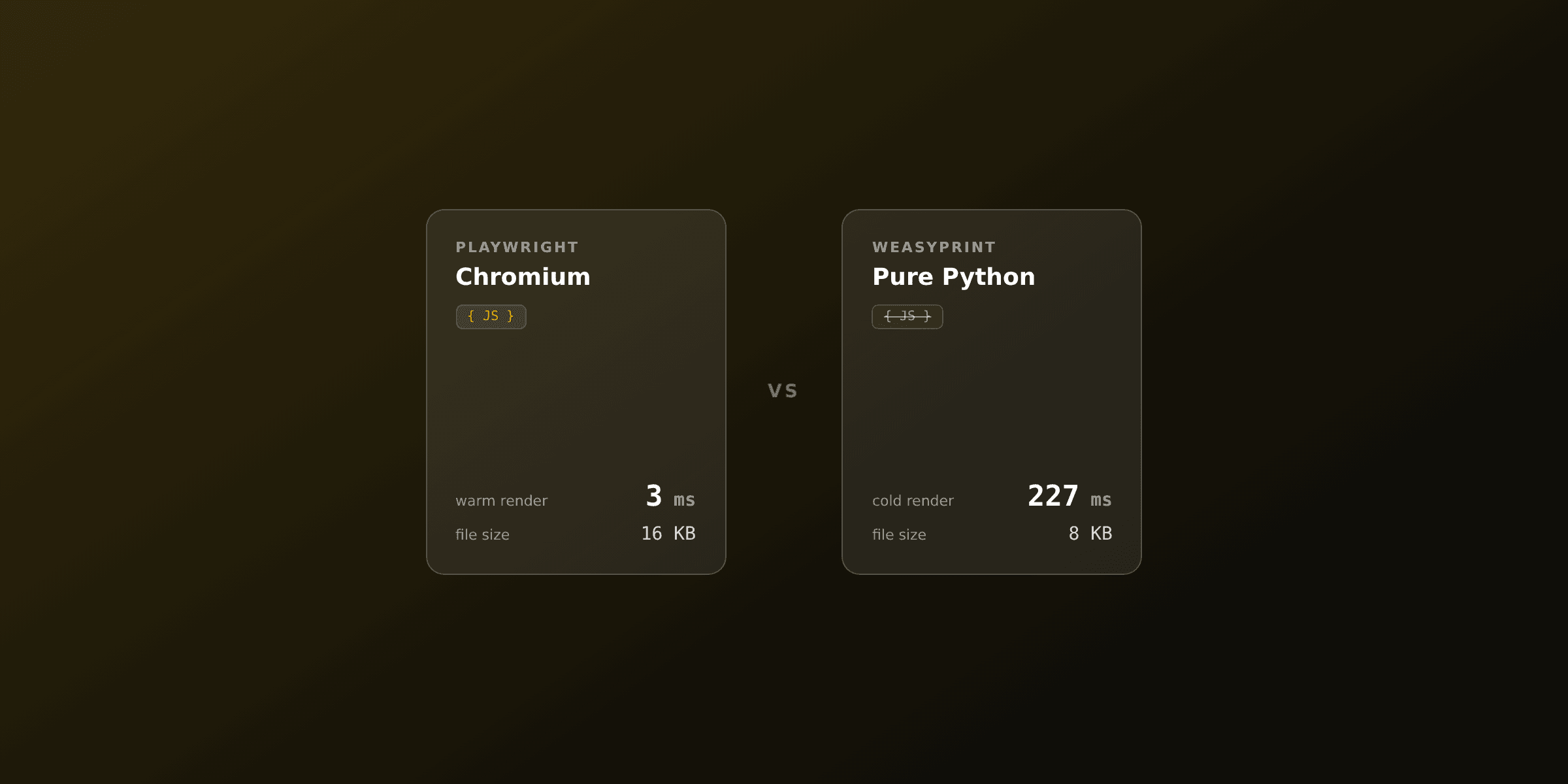
TL;DR. Use WeasyPrint. wkhtmltopdf has been archived and unmaintained since January 2023 and runs on an end-of-life Qt WebKit fork frozen at roughly 2012 browser capabilities, with open security issues that will never be patched. WeasyPrint is actively maintained, pure Python, follows the CSS Paged Media spec, and ships releases every 2-3 months. Neither runs JavaScript reliably, so if your HTML needs JS, reach for a Chromium-based engine instead.
This guide compares the two open-source engines on what actually decides the choice in 2026: maintenance status, CSS support, the JavaScript question, deployment, and a concrete migration path off wkhtmltopdf.
Quick comparison
| Factor | WeasyPrint | wkhtmltopdf |
|---|---|---|
| Status | Actively maintained | Archived since January 2023 |
| Engine | Pure Python (Pango + Cairo) | Patched Qt WebKit fork (circa 2012) |
| Language | Python library | C++ binary, CLI plus bindings |
| CSS model | CSS Paged Media spec | Old WebKit print path |
| Flexbox / Grid | Flexbox full, Grid mostly | Flexbox broken, no Grid |
| JavaScript | None | Old WebKit JS, unreliable, frozen |
| Security patches | Yes | None (archived) |
| Headers / footers | CSS running elements | CLI flags (--header-html) |
| Install | pip plus Pango/Cairo | Static binary plus shared libs |
| Best for | New CSS-only PDF work | Legacy systems you cannot change |
The 30-second decision
Two questions settle almost every case:
- Are you starting new work or maintaining an old system? For anything new, choose WeasyPrint. wkhtmltopdf being archived means no bug fixes, no security patches, and a rendering engine that stopped tracking the web platform over a decade ago.
- Does your HTML depend on JavaScript? If yes, neither tool is right. WeasyPrint runs no JS at all, and wkhtmltopdf's frozen WebKit JS is unreliable. Use a Chromium-based engine such as Playwright, or a managed API that wraps one.
If you have a working wkhtmltopdf pipeline that renders fine and you cannot justify the migration cost right now, it will keep running. But treat it as technical debt with a security clock on it, not as a long-term choice.
Is wkhtmltopdf still maintained?
No. The wkhtmltopdf repository was archived on GitHub in January 2023, and the maintainers' README points users toward modern alternatives. The project's official site still hosts the last binaries, but no new versions are coming.
The deeper problem is the engine. wkhtmltopdf renders through a patched fork of Qt WebKit, the layout engine that Qt itself deprecated and stopped shipping years before 2023. That means:
- No security patches. Any vulnerability in the bundled WebKit, including ones that can read local files through
file://access or SSRF through embedded resources, stays open. - Frozen CSS. The engine understands roughly what a 2012 browser understood. Flexbox is unreliable, CSS Grid does not exist, CSS custom properties are unsupported, and many modern selectors silently do nothing.
- No path forward. There is no roadmap because there is no active project.
If you run wkhtmltopdf in production today, the realistic options are: migrate off it, or isolate it in a locked-down sandbox with no untrusted input and no network access.
Is WeasyPrint actively maintained?
Yes. WeasyPrint is maintained by CourtBouillon (the team behind Kozea's original work) with a release roughly every 2-3 months. The source is on GitHub under a BSD license, and the changelog shows steady CSS coverage gains.
WeasyPrint is a pure Python implementation of CSS Paged Media. It parses HTML, applies CSS, shapes text with Pango, and emits PDF through Cairo. There is no browser and no JavaScript engine. The trade-off is direct: you get exactly what your HTML and CSS describe.
Recent capability worth knowing:
- Flexbox is fully supported, and CSS Grid covers most realistic layouts (advanced
subgridand complexgrid-template-areasare still partial). - Running elements and
@pagemargin boxes give real repeating headers and footers from pure CSS, no command-line flags. - PDF/A output is available through
write_pdf(variant='pdf-a-3b')for archival use. - Non-Latin scripts (Arabic, Devanagari, CJK) shape correctly through Pango and HarfBuzz.
Does either tool support JavaScript?
Neither runs JavaScript in a way you should depend on in 2026. This catches teams migrating from wkhtmltopdf who assumed its JS support would carry over.
WeasyPrint executes no JavaScript at all. A Chart.js chart that draws itself in <script> produces an empty <canvas> in the PDF. A client-side React or Vue app renders as its unhydrated shell or an empty container.
wkhtmltopdf could run some JavaScript through its old WebKit engine, with a --javascript-delay flag to wait for it. But that engine is frozen, modern JS syntax often fails to parse, and behavior is inconsistent across documents. Counting on it for anything beyond trivial scripts is a known source of silent breakage.
If your templates need JavaScript, the answer for both tools is the same: pre-render the dynamic parts server-side (charts to inline SVG or PNG), or switch to a Chromium-based engine. You can test a Chromium render against your own HTML for free with the HTML to PDF toolTry it free before committing to an engine.
How do the two render CSS differently?
WeasyPrint tracks the CSS spec; wkhtmltopdf is stuck at a 2012 WebKit snapshot. For modern layout, this gap is the whole story.
| Feature | WeasyPrint | wkhtmltopdf |
|---|---|---|
@page, page-break-*, widows/orphans | Full | Partial |
| Flexbox | Full | Broken or partial |
| CSS Grid | Mostly | Not supported |
CSS variables (--foo) | Full | Not supported |
@font-face web fonts | Yes | Limited |
| Running headers/footers | CSS running elements | CLI flags only |
Modern selectors (:is, :where) | Yes | No |
| SVG embedding | Full | Partial |
For a simple invoice or letter built with table layout and inline styles, both can produce acceptable output. The moment a template uses Flexbox, Grid, CSS variables, or a modern selector, wkhtmltopdf degrades silently while WeasyPrint renders it as written. For a tour of the print-specific CSS that matters here, see the CSS print styles guide referenced from our Playwright vs WeasyPrint comparison.
Code: WeasyPrint vs wkhtmltopdf side by side
WeasyPrint is a Python library you call directly. wkhtmltopdf is a CLI binary you invoke, usually wrapped from your language.
WeasyPrint: install and render
# Python package
pip install weasyprint

# System libraries (Debian/Ubuntu)
apt install libpango-1.0-0 libpangoft2-1.0-0 libcairo2 libgdk-pixbuf-2.0-0
from weasyprint import HTML, CSS
def render_pdf(html: str) -> bytes:
# Page setup lives in CSS, not command flags
page_css = CSS(string="""
@page {
size: A4;
margin: 20mm 15mm;
@bottom-center { content: "Page " counter(page); }
}
""")
return HTML(string=html).write_pdf(stylesheets=[page_css])wkhtmltopdf: CLI and a Python wrapper
# wkhtmltopdf is a standalone binary, not a pip package
# (binaries from wkhtmltopdf.org, now archived)
wkhtmltopdf \
  --page-size A4 \
  --margin-top 20mm --margin-bottom 20mm \
  --margin-left 15mm --margin-right 15mm \
  --footer-center "Page [page]" \
  input.html output.pdf
import subprocess
def render_pdf(html_path: str, out_path: str) -> None:
subprocess.run(
[
"wkhtmltopdf",
"--page-size", "A4",
"--margin-top", "20mm", "--margin-bottom", "20mm",
"--footer-center", "Page [page]",
html_path,
out_path,
],
check=True,
)The structural difference is clear: WeasyPrint keeps everything (page size, margins, footers) in CSS, so your design lives in one place. wkhtmltopdf splits page setup between CSS in the document and flags on the command line, which is harder to template and version.
How do I migrate from wkhtmltopdf to WeasyPrint?
Migration is mechanical for most CSS-only documents. The work is moving page configuration out of command flags and into CSS.
- Install WeasyPrint with
pip install weasyprintplus the Pango and Cairo system libraries listed above. - Replace the call. Swap your
wkhtmltopdfsubprocess orpdfkit.from_string()call forHTML(string=html).write_pdf(). - Move page setup to CSS.
--page-size A4becomes@page { size: A4; }.--margin-top 20mmbecomes@page { margin-top: 20mm; }. - Move headers and footers to CSS. The
--header-htmland--footer-htmlflags become@pagemargin boxes withcontentandcounter(page), or fixed-position running elements. - Audit JavaScript. Anything that relied on wkhtmltopdf's
--javascript-delaymust be pre-rendered server-side, because WeasyPrint runs no JS. - Diff the output. Render the same document through both engines and compare. Flexbox and Grid sections that were broken under wkhtmltopdf often render correctly under WeasyPrint, so the WeasyPrint output may look better, not just different.
For invoices, receipts, contracts, and letters, this is usually a half-day job. Templates that abused wkhtmltopdf's WebKit quirks need more rework, but those quirks were already fragile.
What about JavaScript-heavy templates?
Choose a Chromium-based engine, not either tool in this comparison. If your PDFs contain charts drawn with Chart.js or D3, dashboards rendered client-side, or any "render after DOM ready" pattern, both WeasyPrint and archived wkhtmltopdf are the wrong tool.
The modern engine for HTML-to-PDF is Chromium, driven through Playwright or Puppeteer. It runs the full V8 JavaScript engine, supports the complete current CSS spec, and lets you wait for late-loading content before printing. The cost is shipping and managing a ~300 MB headless browser. The Node-side details are in Playwright vs Puppeteer for PDF generation, and the Python-side comparison is in Playwright vs WeasyPrint.
PDF4.dev runs warm Playwright (Chromium) pools behind a REST API, so you get modern CSS and JavaScript rendering without installing a browser, Pango, or Cairo on your servers. It is the managed path off wkhtmltopdf when you need more than CSS-only HTML can give you.
import requests

def render_pdf(html: str) -> bytes:
    r = requests.post(
        "https://pdf4.dev/api/v1/render",
        headers={"Authorization": "Bearer p4_live_xxx"},
        json={"html": html, "format": {"preset": "a4"}},
    )
    r.raise_for_status()
    return r.content
Migrating off wkhtmltopdf because of the security clock but your templates use JavaScript or modern CSS? A Chromium engine is the honest target, not WeasyPrint. PDF4.dev wraps one so you skip the browser ops. Try it free, no credit card.
Deployment: what breaks for each
Both are awkward to deploy, for different reasons.
WeasyPrint needs Pango, Cairo, and GDK-PixBuf installed at the OS level. On Debian that is one apt install line; on Alpine (musl) it is more involved. Fonts must be present in the fontconfig cache or text falls back to a default sans. On AWS Lambda you need a Lambda Layer with the compiled libraries or a container image.
wkhtmltopdf needs its static binary plus shared libraries, and for true headless rendering it historically needed an X virtual framebuffer (xvfb) shim, though the wkhtmltopdf "patched Qt" builds bundle a headless mode. On Lambda you ship the binary in a layer. Because the project is archived, you are also pinning a binary that will never receive a security update.
For either tool on serverless, a managed API removes the deployment problem: no system libraries, no binary to pin, no font cache to seed.
Comparison summary
| Question | Answer |
|---|---|
| Starting new CSS-only PDF work? | WeasyPrint |
| Maintaining a wkhtmltopdf system you cannot change? | Keep it sandboxed, plan a migration |
| Templates need JavaScript or modern CSS? | Chromium engine (Playwright) or a managed API |
| Want zero browser and library ops? | Managed API (PDF4.dev) |
| Care most about security and active maintenance? | WeasyPrint over wkhtmltopdf, no contest |
The honest verdict: wkhtmltopdf was a useful tool in its time, but it is archived, frozen on a 2012 engine, and accumulating unpatched security issues. WeasyPrint is the active, spec-compliant choice for CSS-only HTML. For HTML that needs JavaScript, neither fits; a Chromium engine does.
To test a real Chromium render against your own markup without writing code, the free HTML to PDF tool uses the same Playwright pipeline. For the full performance picture across engines, see the HTML to PDF benchmark 2026.
Free tools mentioned:
Frequently asked questions
- Should I use WeasyPrint or wkhtmltopdf in 2026?
- Use WeasyPrint. wkhtmltopdf has been archived and unmaintained since January 2023, runs on an end-of-life Qt WebKit fork from 2012, and ships known security issues that will never be patched. WeasyPrint is actively maintained, pure Python, follows the CSS Paged Media spec, and gets a release roughly every 2-3 months. The only reason to keep wkhtmltopdf is a legacy system you cannot touch.
- Is wkhtmltopdf still maintained?
- No. The wkhtmltopdf project was archived on GitHub in January 2023. The maintainers explicitly recommend moving to a modern engine. It depends on a patched fork of Qt WebKit that upstream abandoned years earlier, so its CSS and rendering capabilities are frozen at roughly 2012 browser levels and its open CVEs will never be fixed.
- Does WeasyPrint support JavaScript like wkhtmltopdf did?
- No, and neither does wkhtmltopdf reliably. WeasyPrint never executes JavaScript; it renders HTML and CSS only. wkhtmltopdf could run some JS through its old WebKit engine, but support was unreliable and the engine is now frozen. If your templates need JavaScript (charts, client-side rendering), use a Chromium-based engine such as Playwright or a managed API instead of either tool.
- How do I migrate from wkhtmltopdf to WeasyPrint?
- Install WeasyPrint with pip plus the Pango and Cairo system libraries, then replace your wkhtmltopdf CLI or pdfkit calls with HTML(string=html).write_pdf(). Move page setup from wkhtmltopdf command flags into CSS @page rules. Headers and footers move from --header-html flags to CSS running elements or fixed-position boxes. Any JavaScript in your templates must be pre-rendered server-side first.
- Which produces better CSS rendering, WeasyPrint or wkhtmltopdf?
- WeasyPrint. It implements modern CSS Paged Media plus most of Flexbox and Grid, and tracks the current spec. wkhtmltopdf is locked to a 2012 WebKit fork, so Flexbox, CSS Grid, CSS variables, and modern selectors either break or are unsupported. For new layout work, WeasyPrint produces predictable, spec-compliant output.
- Is WeasyPrint faster than wkhtmltopdf?
- Performance is close for typical documents and rarely the deciding factor. Both spawn a fresh process per render with no warm-pool mode, so each call pays a full cold start. WeasyPrint typically renders a simple document in a few hundred milliseconds. The decision should rest on maintenance status and CSS support, where WeasyPrint wins clearly, not on raw speed.
- Can WeasyPrint and wkhtmltopdf run on AWS Lambda?
- Both are awkward on AWS Lambda. WeasyPrint needs Pango, Cairo, and GDK-PixBuf as system libraries that are absent from the Lambda runtime, so you need a Lambda Layer or container image. wkhtmltopdf needs a static binary plus shared libraries and an X server shim for headless rendering. A managed PDF API removes the deployment problem for either case.
- What replaced wkhtmltopdf?
- There is no single official successor. For CSS-only HTML, WeasyPrint is the closest pure-library replacement. For HTML that needs JavaScript or modern CSS, a Chromium-based engine such as Playwright or Puppeteer is the standard choice. Managed APIs like PDF4.dev wrap a Chromium engine so you get modern rendering without running a browser yourself.
Start generating PDFs
Build PDF templates with a visual editor. Render them via API from any language in ~300ms.