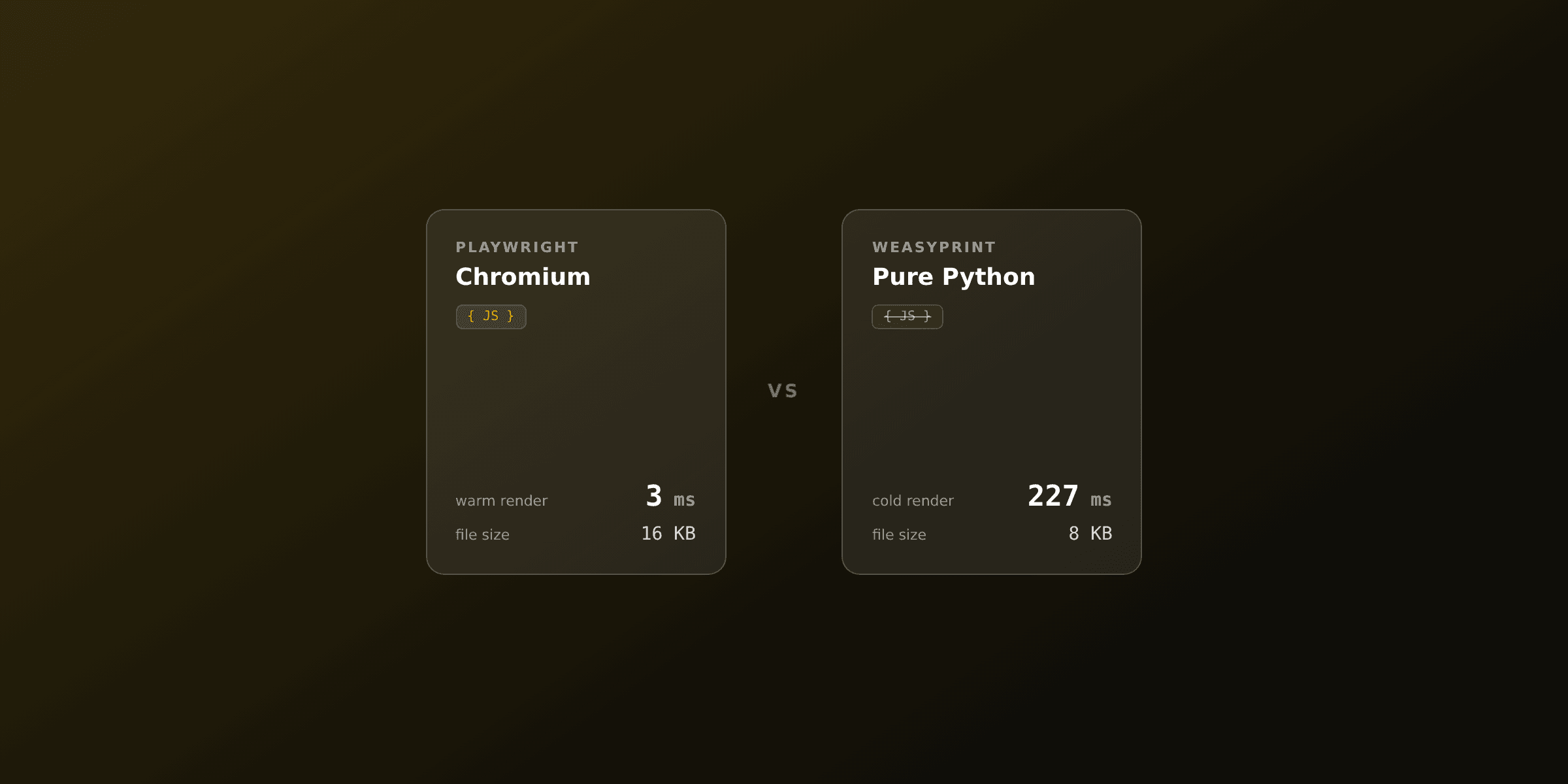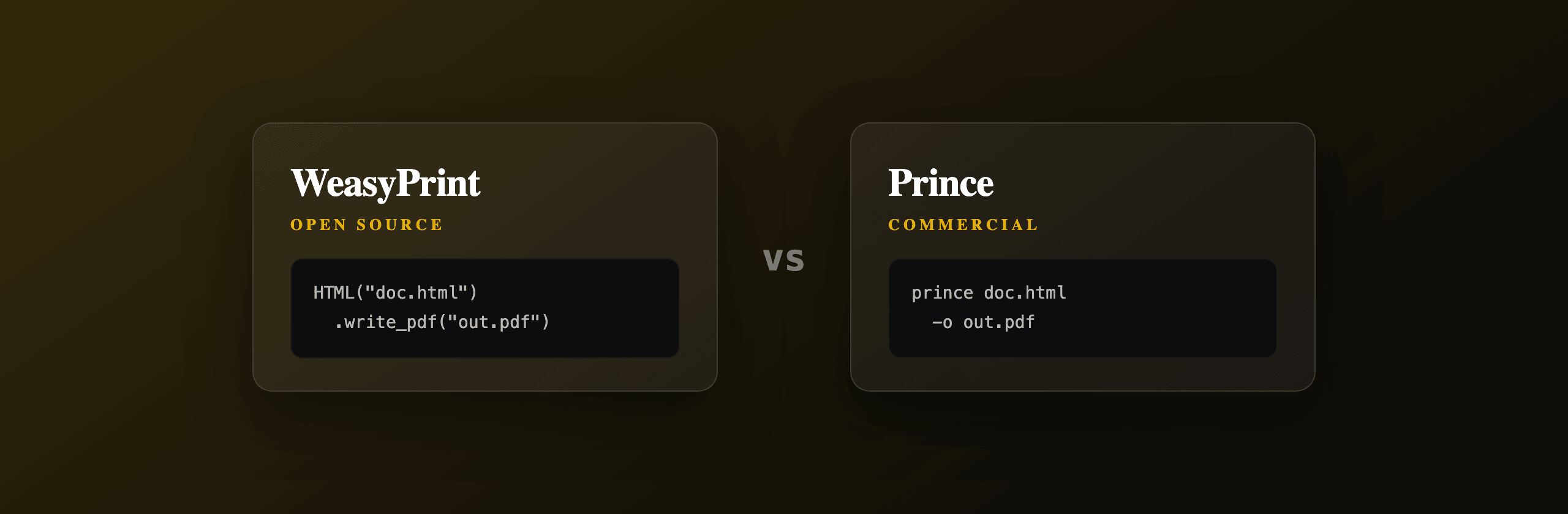
WeasyPrint and Prince both turn HTML and CSS into PDF without a browser, and neither runs your page's JavaScript. The short answer: pick WeasyPrint when you want a free, BSD-licensed engine for invoices, reports, and everyday documents, and pick Prince (PrinceXML) when you need book-grade print typesetting (footnotes, cross-references, named page regions) and can pay a per-server license. Prince has the wider CSS print spec coverage; WeasyPrint has the wider reach because it costs nothing.
This article compares the two on license and price, CSS Paged Media support, JavaScript, footnotes and bookmarks, install footprint, and speed, then tells you which to choose by scenario.
WeasyPrint vs Prince at a glance
Both are dedicated CSS-to-PDF engines, not browsers. They parse HTML and CSS and lay out pages using the CSS Paged Media model rather than driving a render engine like Chromium. The table below summarizes the practical differences.
| Criterion | WeasyPrint | Prince (PrinceXML) |
|---|---|---|
| License | BSD (open source) | Commercial, closed source |
| Price | Free | Per-server perpetual license (thousands USD/server), free mode stamps a logo |
| Language / runtime | Python | C++ binary (CLI + bindings) |
| Runs page JavaScript | No | Limited JS engine at load (optional), not a browser |
| CSS 2.1 + basic paged media | Strong | Strong |
| CSS Paged Media (named pages, margin boxes) | Good | Most complete |
Footnotes (float: footnote) | Limited / historically unsupported | Full support |
Cross-references and page numbers (target-counter) | Partial | Full support |
| PDF bookmarks / outline | Yes (from headings + CSS) | Yes |
| Install footprint | pip + Pango/cairo system libs | Single binary or OS package |
| Speed on large docs | Slower (pure Python) | Faster (compiled) |
| Best for | Invoices, reports, free pipelines | Books, manuals, print typesetting |
Both engines ignore client-side JavaScript by default. If your HTML renders content with JS (a charting library, a React or Vue app), neither WeasyPrint nor Prince will see that content. Render the HTML to static markup first, or use a Chromium-based path.
What is WeasyPrint and when should you use it?
WeasyPrint is a free, open-source Python library that renders HTML and CSS to PDF using its own layout engine, with no browser involved. Use it when you want zero license cost, a pip-installable pipeline, and your documents use standard CSS 2.1 plus common CSS Paged Media features like @page margins, page size, and running headers.
WeasyPrint is published under the BSD license, so you can ship it in commercial products with no per-server fee. It implements a large slice of CSS 2.1, CSS Paged Media, and CSS color, fonts, and transforms. It reads web fonts, embeds images, and writes a PDF outline from your heading structure. It does not run JavaScript at all, which keeps the security surface small and the output deterministic.
Where WeasyPrint is weaker: CSS footnotes (float: footnote), full cross-reference counters, and some advanced named-page features are partial or absent, and it is pure Python so very large documents render slower than a compiled engine.
# pip install weasyprint
from weasyprint import HTML

html = """
<!DOCTYPE html>
<html>
  <head>
    <style>
      @page { size: A4; margin: 20mm 15mm; }
      h1 { font-family: Inter, sans-serif; color: #111827; }
      .total { font-weight: 700; }
    </style>
  </head>
  <body>
    <h1>Invoice INV-001</h1>
    <p class="total">Total: $1,500.00</p>
  </body>
</html>
"""

HTML(string=html).write_pdf("invoice.pdf")
WeasyPrint needs native libraries (Pango, cairo, GDK-PixBuf) for text shaping and images. pip install weasyprint pulls the Python bindings, but on Linux you also install OS packages (for example libpango-1.0-0, libpangocairo-1.0-0, libgdk-pixbuf-2.0-0). A bare pip install on a minimal container can fail at import time until those are present.
What is Prince and when should you use it?
Prince (PrinceXML) is a commercial, closed-source C++ engine that renders XML, HTML, and CSS to PDF with the widest support for the CSS Paged Media and Generated Content for Paged Media specifications. Use it when you produce books, manuals, scientific papers, or long documents that need footnotes, page cross-references, named page regions, and fine widow and orphan control.
Prince ships as a single binary with command-line, library, and server bindings. It supports float: footnote for automatic footnotes, target-counter() for "see page 42" cross-references, named pages and running content pulled from the document, and PDF/A and PDF/X output profiles used in professional publishing. It can run a limited JavaScript engine at document load when you enable it, though it is not a browser and does not behave like one for interactive scripts.
The trade-offs are cost and openness. Prince sells a per-server perpetual license that runs into the thousands of US dollars per production server, published on the official Prince site. There is a free unlicensed mode, but it stamps a small Prince logo on the first page of every document, so it is for evaluation rather than production.
# render an HTML file to PDF
prince invoice.html -o invoice.pdf

# render a remote URL
prince https://example.com/report.html -o report.pdf

# enable the built-in JavaScript engine at load
prince --javascript report.html -o report.pdf
How do WeasyPrint and Prince compare on CSS print support?
Prince supports more of the CSS print specifications than WeasyPrint, especially the parts that matter for books rather than invoices. Both handle @page rules, page size, margins, margin boxes, and basic running headers. The gap opens on advanced generated content.
Prince implements float: footnote for automatic footnotes that collect at the bottom of the page, target-counter() and target-text() for cross-references like "continued on page 12", named page areas, and bookmark levels controlled from CSS. These come from the CSS Generated Content for Paged Media module, which is largely a Prince-driven specification. WeasyPrint implements @page, named pages, page counters, and many margin-box features, but footnotes and full cross-reference counters are partial or unsupported.
For widow and orphan control, page breaks (break-before, break-after, break-inside), and keeping table headers across page breaks, both engines do well. If your documents are invoices, statements, certificates, and reports, you will rarely hit the WeasyPrint ceiling. If you are typesetting a 300-page manual with footnotes and an index, Prince's extra spec coverage is the reason it costs money.
A fast test: open your CSS and search for float: footnote, target-counter, target-text, or @footnotes. If you use any of them, you are in Prince territory. If you do not, WeasyPrint likely covers you for free.
Do WeasyPrint or Prince run JavaScript?
No, not the way a browser does. WeasyPrint never executes JavaScript. Prince can run a limited JavaScript engine at document load when you pass --javascript, but it does not drive a DOM event loop, fetch like a browser, or run modern SPA frameworks reliably. Both are layout engines for static HTML and CSS.
This matters because a large share of "my PDF is blank" problems come from HTML that builds its content client-side. A dashboard that mounts a React tree, a chart drawn by Chart.js on a canvas, or a price table fetched after page load will all be invisible to a non-browser engine. The two safe patterns are: render your HTML to static markup on the server before handing it to WeasyPrint or Prince, or use an engine that actually runs a browser.
When you need true browser parity (JS-rendered content, CSS Grid and Flexbox edge cases, web fonts loaded by script, emoji and complex text shaping that matches Chrome), a headless Chromium path is the right tool. You can self-host that with Playwright or Puppeteer, or use a hosted API so you never manage a Chromium binary at all.
How do you generate PDFs with PDF4.dev (the hosted Chromium path)?
PDF4.dev is a hosted REST API that renders HTML to PDF with headless Chromium server-side, so you POST HTML (or a saved template id plus data) and get a PDF back. Use it when you want browser-accurate rendering, JavaScript support, and no engine, font stack, or Chromium binary to install and maintain yourself.
Unlike WeasyPrint and Prince, PDF4.dev runs a real browser, so JS-rendered content, web fonts, and modern CSS layout behave the way they do in Chrome. It also supports Handlebars {{variables}} so you can store a template once and pass data per render. This is one option among the engines in this article, not a drop-in replacement for a print engine: if you specifically need float: footnote typesetting, Prince is still the specialist.
curl -X POST https://pdf4.dev/api/v1/render \
  -H "Authorization: Bearer p4_live_xxx" \
  -H "Content-Type: application/json" \
  -d '{
    "html": "<h1>Hello</h1>",
    "data": {},
    "delivery": "url"
  }'
You can also try the rendering without an account using the free HTML to PDFTry it free tool, which uses the same Chromium pipeline.
How much does each option cost?
WeasyPrint is free, Prince is a paid per-server license, and PDF4.dev is usage-based. The table below frames the cost shape, not exact numbers, since Prince and hosted pricing change over time. Check each vendor's pricing page for current figures.
| Option | Cost model | Where the cost lives |
|---|---|---|
| WeasyPrint | Free (BSD) | Your servers + engineering time |
| Prince | Per-server perpetual license, thousands USD/server | License fee + your servers |
| Headless Chromium (self-hosted) | Free engine | Your servers + Chromium ops + memory |
| PDF4.dev | Usage-based API | Per render, no infra to run |
The hidden cost with WeasyPrint and self-hosted Chromium is operations: you maintain the Python and native library stack, or you keep a Chromium binary patched, memory-bounded, and warm. Prince removes the open-source maintenance but adds a license line item. A hosted API moves both into a per-render price.
For self-hosted Chromium, plan for memory. A headless Chromium process can use 100 to 300 MB of RAM per concurrent render, which is why a managed pool or a hosted API is often cheaper than it looks once you account for the instances you need to keep online.
Which option should you choose?
Choose by what your documents need and what you are willing to operate. There is no single winner: WeasyPrint, Prince, and a Chromium-based path each win a different scenario.
- Invoices, receipts, quotes, statements, certificates, reports with standard CSS and no JavaScript: use WeasyPrint. Free, BSD-licensed, pip-installable, and more than enough for business documents.
- Books, manuals, scientific papers, catalogs that need footnotes, cross-references, named page regions, and PDF/X output: use Prince. Its CSS print spec coverage is the widest and worth the license for print typesetting.
- JavaScript-rendered HTML, charts drawn on canvas, SPA frameworks, web fonts loaded by script, or pixel-parity with Chrome: use a headless Chromium engine. Self-host with Playwright or Puppeteer if you want to run the browser, or use PDF4.dev if you want browser-accurate output with no Chromium to manage.
- You want zero infrastructure and per-render pricing: use PDF4.dev. You POST HTML or a template id and get a PDF, no engine, font stack, or binary to maintain.
A common real-world setup mixes them: WeasyPrint for the high-volume invoice path where CSS is simple and cost matters, and a Chromium-based render for the marketing PDFs and dashboards that depend on JavaScript and exact browser fidelity.
Related reading
- Playwright vs WeasyPrint: browser engine vs CSS engine, head to head.
- Puppeteer vs WeasyPrint: the Node.js browser path compared to the Python print engine.
- Generate PDFs from HTML in Python: the full Python toolbox, including WeasyPrint and hosted options.
Free tools mentioned:
Frequently asked questions
- Is WeasyPrint as good as Prince?
- WeasyPrint covers most everyday CSS 2.1 and CSS Paged Media well and is free under the BSD license. Prince supports more of the CSS Paged Media and Generated Content for Paged Media specs, including footnotes, named page areas, and cross-references, so Prince wins for complex print typesetting while WeasyPrint covers the common cases at zero cost.
- How much does Prince cost?
- Prince (PrinceXML) sells a perpetual server license. Pricing is published per server on the official Prince site and runs into the thousands of US dollars per production server, with a free unlicensed mode that stamps a small logo on the first page. WeasyPrint is free under the BSD license with no per-server fee.
- Do WeasyPrint or Prince run JavaScript?
- No. Neither WeasyPrint nor Prince executes page JavaScript by default. WeasyPrint never runs JS. Prince can run a limited JavaScript engine at document load when enabled, but neither behaves like a real browser. If your HTML depends on client-side JS (charts, SPA frameworks), use a headless Chromium path such as Playwright or a hosted API like PDF4.dev.
- Does WeasyPrint support footnotes and PDF bookmarks?
- WeasyPrint generates PDF bookmarks from heading structure and supports many paged-media features, but CSS footnotes (the float: footnote model) are a Prince strength and have historically been incomplete or unsupported in WeasyPrint. For automatic footnotes, page-reference cross-links, and named page regions, Prince is the more complete engine.
- Can I install WeasyPrint with just pip?
- WeasyPrint installs through pip but also needs native libraries (Pango, cairo, and GDK-PixBuf via system packages) for text shaping and image handling. On Linux that is a few apt or dnf packages. Prince installs as a single binary or OS package with no external graphics stack to assemble.
- Which is faster, WeasyPrint or Prince?
- Prince is generally faster on large, layout-heavy documents because it is a compiled C++ engine, while WeasyPrint is pure Python and slower on big multi-hundred-page jobs. For typical one-to-twenty page invoices and reports the difference is small and rarely the deciding factor.
- Is WeasyPrint a good Prince alternative for invoices?
- Yes. For invoices, receipts, quotes, and most business documents that use straightforward CSS, WeasyPrint produces clean output at no license cost. Prince becomes worth paying for when you need book-grade typesetting: footnotes, running headers from content, and precise widow/orphan control across hundreds of pages.
- When should I use a browser engine instead of WeasyPrint or Prince?
- Use a headless Chromium engine (Playwright, Puppeteer, or a hosted API like PDF4.dev) when your document relies on JavaScript, web fonts loaded dynamically, CSS Grid, Flexbox edge cases, or you need pixel-identical parity with what renders in a browser. WeasyPrint and Prince are dedicated print engines, not browsers.
Start generating PDFs
Build PDF templates with a visual editor. Render them via API from any language in ~300ms.