To render a long HTML table to PDF, use a real table with thead and tbody, preserve its table layout in print styles, and test row-breaking rules on realistic data. Keep a once-only grand total outside the table's repeating footer group. The output to review is the complete PDF, including the final page.
This tutorial targets invoice lines, purchase-order items, and tabular reports. The same template structure works with PDF4.dev and other HTML-to-PDF renderers, but pagination must be verified in the engine you deploy.
How do you repeat table headings on every PDF page?
Put the column headings inside thead and preserve the element's header-group role. The CSS table specification allows print user agents to repeat header groups on pages spanned by a table. That is a browser behavior to test, rather than a guarantee about every HTML-to-PDF engine.
Our interactive example illustrates why the column labels belong to the table structure:
| Product | Q1 | Q2 | Q3 |
|---|---|---|---|
| Cloud Hosting | $12,400 | $14,200 | $16,800 |
| API Gateway | $8,300 | $9,100 | $11,500 |
| Storage | $5,600 | $6,200 | $7,100 |
| CDN | $3,200 | $3,800 | $4,500 |
| Auth Service | $2,100 | $2,400 | $2,900 |
| Product | Q1 | Q2 | Q3 |
|---|---|---|---|
| Analytics | $1,800 | $2,100 | $2,600 |
| $1,400 | $1,600 | $1,900 | |
| Webhooks | $900 | $1,100 | $1,400 |
Use the demo to understand the layout, then verify the actual PDF generated by your renderer. Avoid implementing rows as unrelated blocks just to match a screen design; the print engine needs the table structure to paginate it as a table.
The heading row should label the columns on its own. If a reader opens page three, they should not need page one to understand an amount or quantity. Use th elements and scope="col" for column labels, as described in the HTML table-head reference.
What HTML and CSS should you start with?
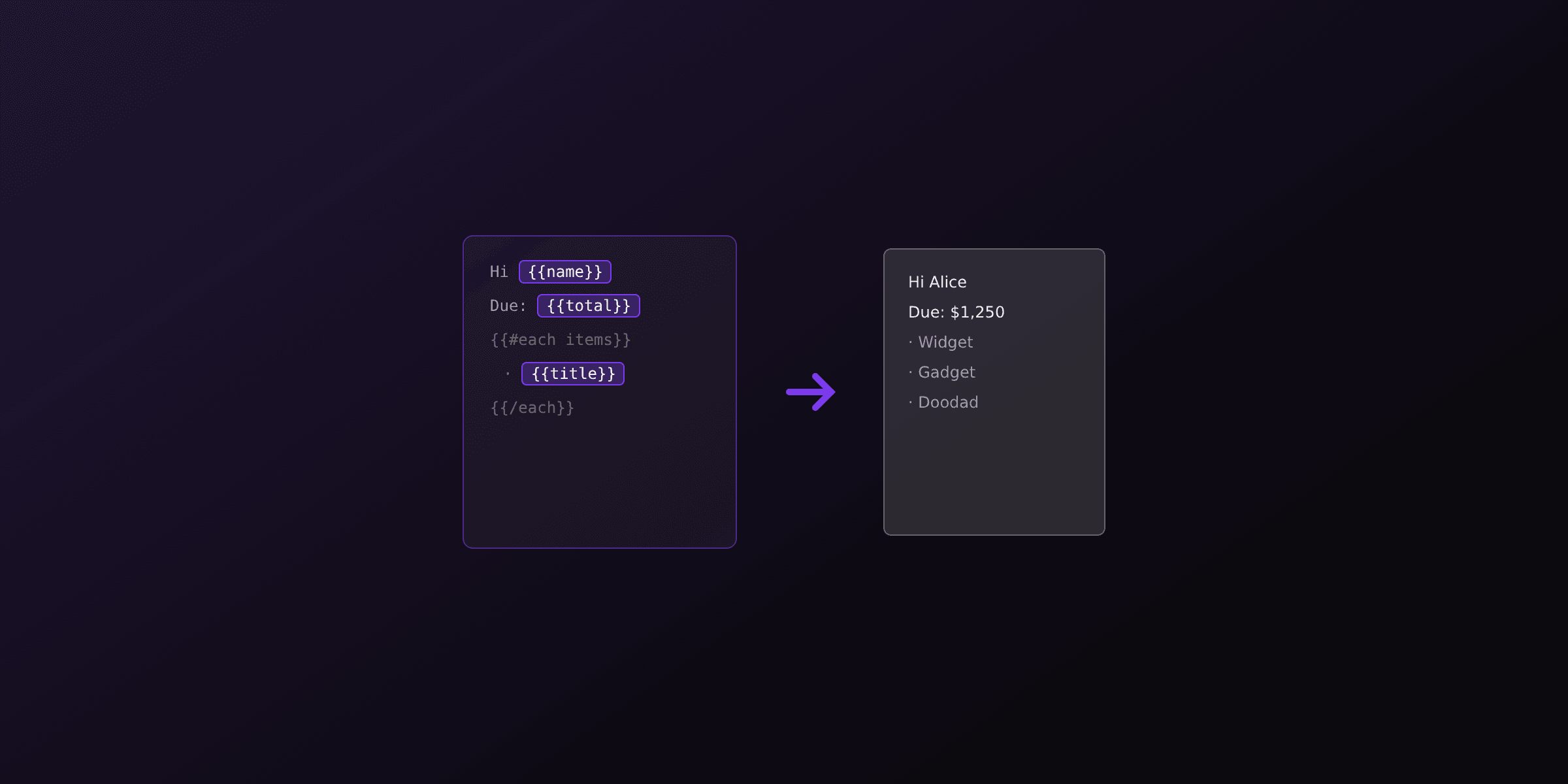
Begin with normal document flow, explicit page margins, stable column widths, and wrapping for long data. The following Handlebars template is a starting fixture. Supply an items array with preformatted description and amount values, plus a total value.
<!doctype html>
<html lang="en">
<head>
  <meta charset="utf-8">
  <title>Invoice items</title>
  <style>
    @page { size: A4; margin: 16mm 12mm; }
    body { margin: 0; font: 12px/1.45 sans-serif; color: #172033; }
    h1 { font-size: 22px; margin: 0 0 16px; }
    table { width: 100%; table-layout: fixed; border-collapse: collapse; }
    col.description { width: 78%; }
    col.amount { width: 22%; }
    thead { display: table-header-group; }
    tr { break-inside: avoid; page-break-inside: avoid; }
    th, td {
      padding: 8px 10px;
      border-bottom: 1px solid #dbe1e8;
      text-align: left;
      vertical-align: top;
      overflow-wrap: anywhere;
    }
    th { background: #edf1f7; }
    .money { text-align: right; font-variant-numeric: tabular-nums; }
    .summary { break-inside: avoid; margin-top: 16px; text-align: right; }
  </style>
</head>
<body>
  <h1>Invoice items</h1>
  <table>
    <colgroup><col class="description"><col class="amount"></colgroup>
    <thead><tr><th scope="col">Description</th><th scope="col" class="money">Amount</th></tr></thead>
    <tbody>
      {{#each items}}
      <tr><td>{{description}}</td><td class="money">{{amount}}</td></tr>
      {{/each}}
    </tbody>
  </table>
  <div class="summary"><strong>Total: {{total}}</strong></div>
</body>
</html>
The @page rule defines the page box and margins. Decide whether those settings or explicit renderer options own the paper size; do not unknowingly configure two conflicting sizes.
Our Handlebars template guide covers data binding. Keep calculations and business rules outside the layout fixture so a rendering check can focus on how the supplied values appear.
Why does break-inside avoid still split or move a row?
An avoid rule expresses a pagination preference; it cannot fit an oversized row onto a smaller page. The break-inside reference explains the rule's role in fragmentation. Test it alongside your page dimensions and surrounding layout.
| Symptom | First thing to inspect | Practical response |
|---|---|---|
| A short row splits | Row break styles and enclosing layout | Start with a normal table in document flow |
| A row moves to the next page | Remaining printable space | Check whether keeping the row together is the intended behavior |
| A huge row cannot fit | Description or nested content height | Split the content logically or permit fragmentation |
| Rightmost values disappear | Column widths and long identifiers | Add wrapping and review fixed widths |
| Later rows are missing | Fixed heights or clipped overflow | Remove screen-oriented clipping from print styles |
Avoid setting break-inside: avoid on the entire table. A long table is supposed to span pages. Our recommended keep-together scope is the smallest meaningful block that normally fits, such as one ordinary row or a short final summary.
For unusually long descriptions, decide what readers need to keep together. Splitting a line item into a short identifying row plus a continuation section can be clearer than compressing the entire invoice to make one exceptional row fit.
Where should final totals and page numbers go?
Put a once-only summary after the table in normal flow. Table footer groups may repeat in paginated output, so they are a different tool from a final grand total. The CSS table model describes both header and footer groups.
Use a small keep-together summary for a subtotal, tax summary, and total if the block fits on a page. Review the case where the last line item nearly fills a page: the summary may correctly move to a new page. Decide whether that result is acceptable before adding manual page-break rules.
Document page numbers are separate from repeated column headings. Our header and footer guide covers renderer-level repeated content. Reserve enough page area for those elements instead of placing them over the table.
How do you test the table before sending customer PDFs?
Render a multipage fixture and inspect every page. Our recommended acceptance checks cover repeated headings, readable rows, complete values, the final summary, and the absence of an unexpected blank last page.
Test a long description, an unbreakable identifier, a missing optional value, and the writing systems your customers use. Save the template, sample data, font choices, and renderer options together. The PDF visual regression tutorial shows how to keep those checks in CI.
With PDF4.dev, put the template in the editor, supply representative items data, and render the result. Use HTML-to-PDF conversion for a manual check and PDF-to-PNG conversion to review page images. Once the fixture is approved, reuse it when the template or browser changes.
Free tools mentioned:
Frequently asked questions
- How do I repeat an HTML table header in a PDF?
- Use a semantic table with the column headings inside thead. Preserve the table layout in print styles and verify repetition in the browser build that generates the PDF.
- Which CSS setting helps avoid splitting table rows?
- Apply break-inside: avoid to rows as a starting point and test the result. It cannot keep a row intact when that row is taller than the available printable page area.
- Why is my long PDF table cut off?
- Inspect fixed-height containers, overflow rules, viewport-based dimensions, and overly wide cells. A wrapper designed for a scrolling screen preview may be inappropriate for paginated output.
- Should invoice totals go in tfoot?
- Use a normal-flow summary after the table when the grand total must appear once at the end. Footer groups can repeat in paginated output, so test that behavior before placing a final total there.
- Can every row stay on one page?
- Only if the row fits within the printable area. Split unusually long descriptions into separate logical rows, allow an oversized row to break, or move detailed content to an appendix.
- Does this tutorial add PDF page numbers?
- No. Repeated table headers and document page numbering are separate features. Use the renderer's header/footer mechanism or another supported page-numbering method, and test the available page area.
- How many rows should a pagination fixture contain?
- Use enough realistic rows to force several pages. Include a long description, an unbreakable identifier, a missing value, and a final summary near a page boundary.
- Can I use this table structure with PDF4.dev?
- Yes. Put the HTML and print CSS in a PDF4.dev template and provide items and totals as data. Preview a multipage fixture and inspect the generated PDF before using the template in production.
Start generating PDFs
Build PDF templates with a visual editor. Render them via API from any language in ~300ms.